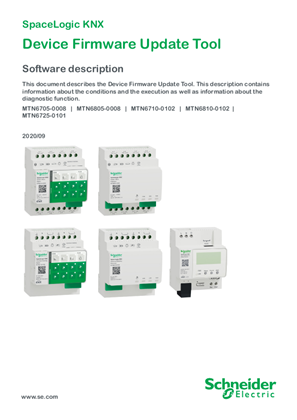
Device Firmware Update Tool-Software description EN
This document describes the Device Firmware Update Tool for SpaceLogic KNX devices. It provides instructions for performing firmware updates on Switch/Blind devices, Universal Dimming devices, and DALI Gateway Pro. The guide covers necessary conditions, preparation steps, connection requirements via Micro USB B or RJ45, PIN code authorization through ETS application, and detailed execution procedures. It includes information about the Web Auto Update Tool for downloading latest firmware versions, diagnostic functions for error identification, and LED behavior during update processes. The document supports products MTN6705-0008, MTN6805-0008, MTN6710-0102, MTN6810-0102, and MTN6725-0101. It contains safety information, connection diagrams with USB isolator requirements, and step-by-step procedures for both device types with screenshots of the software interface. Note: AI-generated document summary. Please check the original document for detailed information.
Date:
Oct 13 2020 | Type:
User guide
Languages:
English See all languages
Document Number:
KNX_DFUtool_SW_EN
Files
| File Name | |
KNX_DFUtool_SW_EN.pdf |
Related products
Product Ranges:
KNX (brand Merten) SpaceLogic KNX
Create your Schneider Electric account today
Access personalized tools, programs and services- Discover additional documents and tools reserved for our partners
- Find and download documentation for up to 100 products at once
