


How to downgrade BMENUA0100 firmware version from 2.01 to 1.10?
The firmware downgrade of the BMENUA100 module from version 2.01 to 1.10 has to be done by using an intermediate step which is first to downgrade to the official version 1.12 and then downgrade to 1.10. Here is the procedure:
1. Download first of all the version BMENUA0100 1.12 available on se.com
https://www.se.com/uk/en/download/document/BMENUA0100_FIRMWARE_SV_01.12/
2. By using EADM (Ecostruxure Automation Device Maintenance) you need to downgrade from version 2.01 to version 1.12
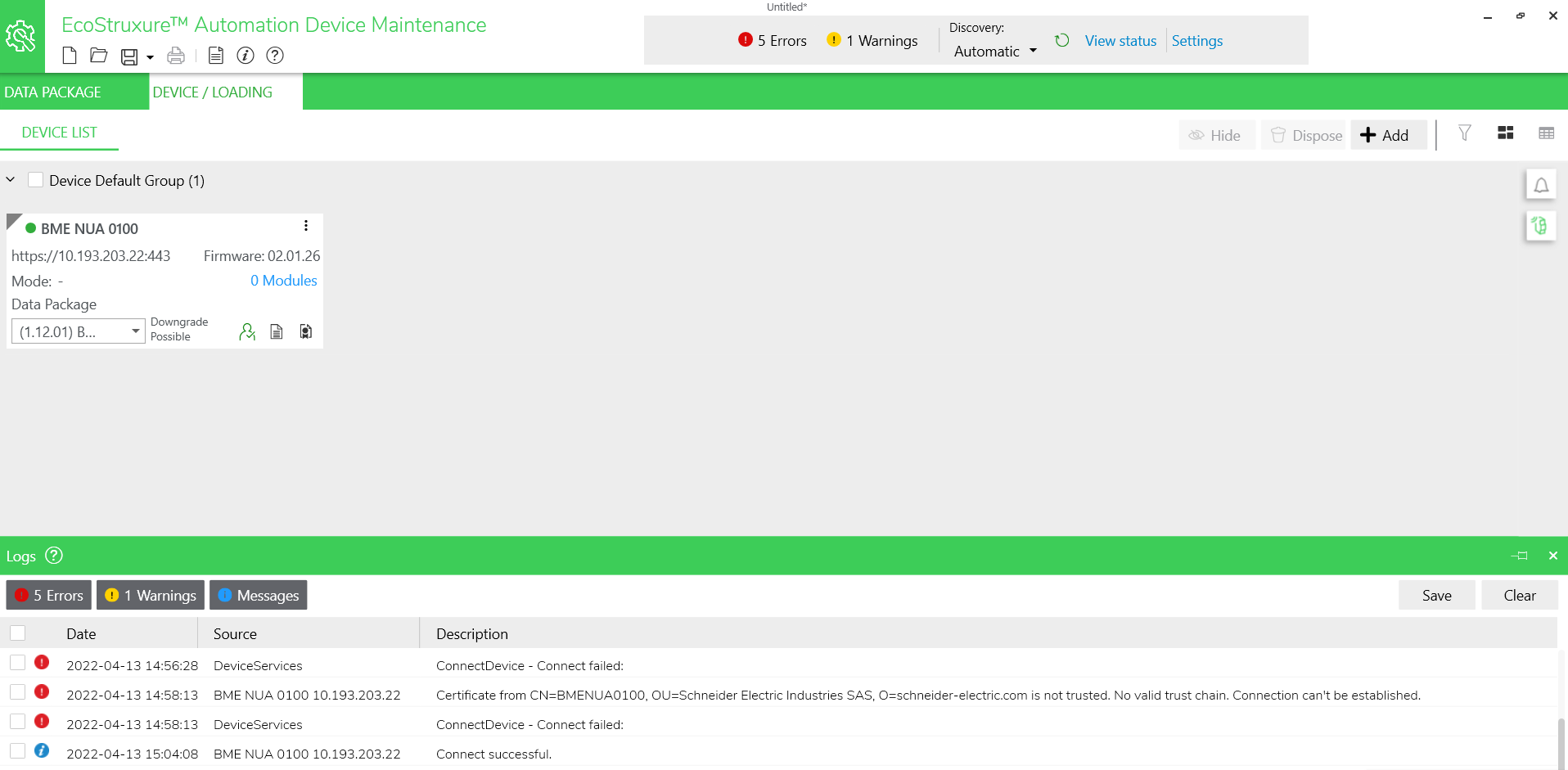
3. By using EADM (Ecostruxure Automation Device Maintenance) you need to downgrade from version 1.12 to version 1.10
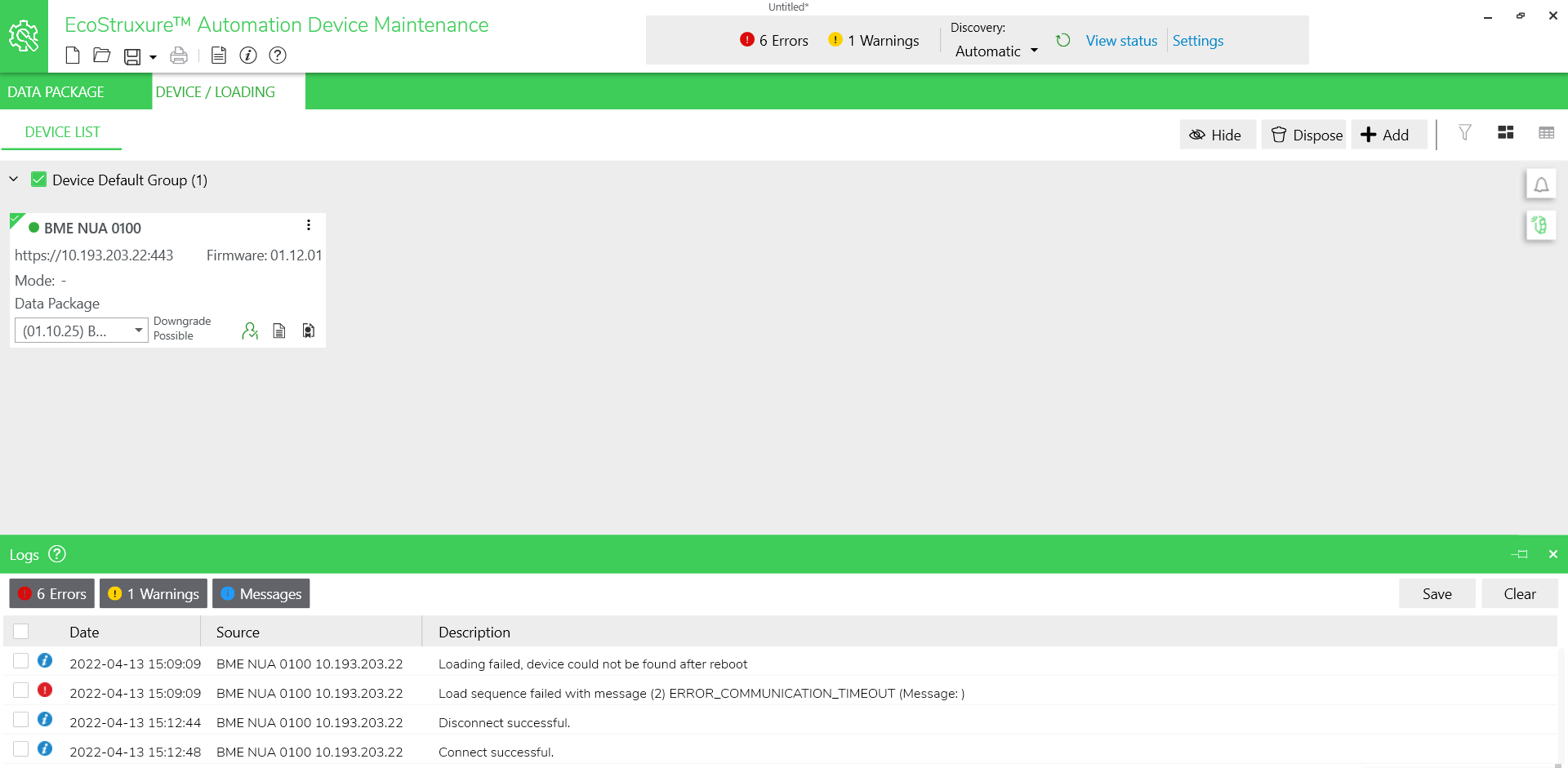
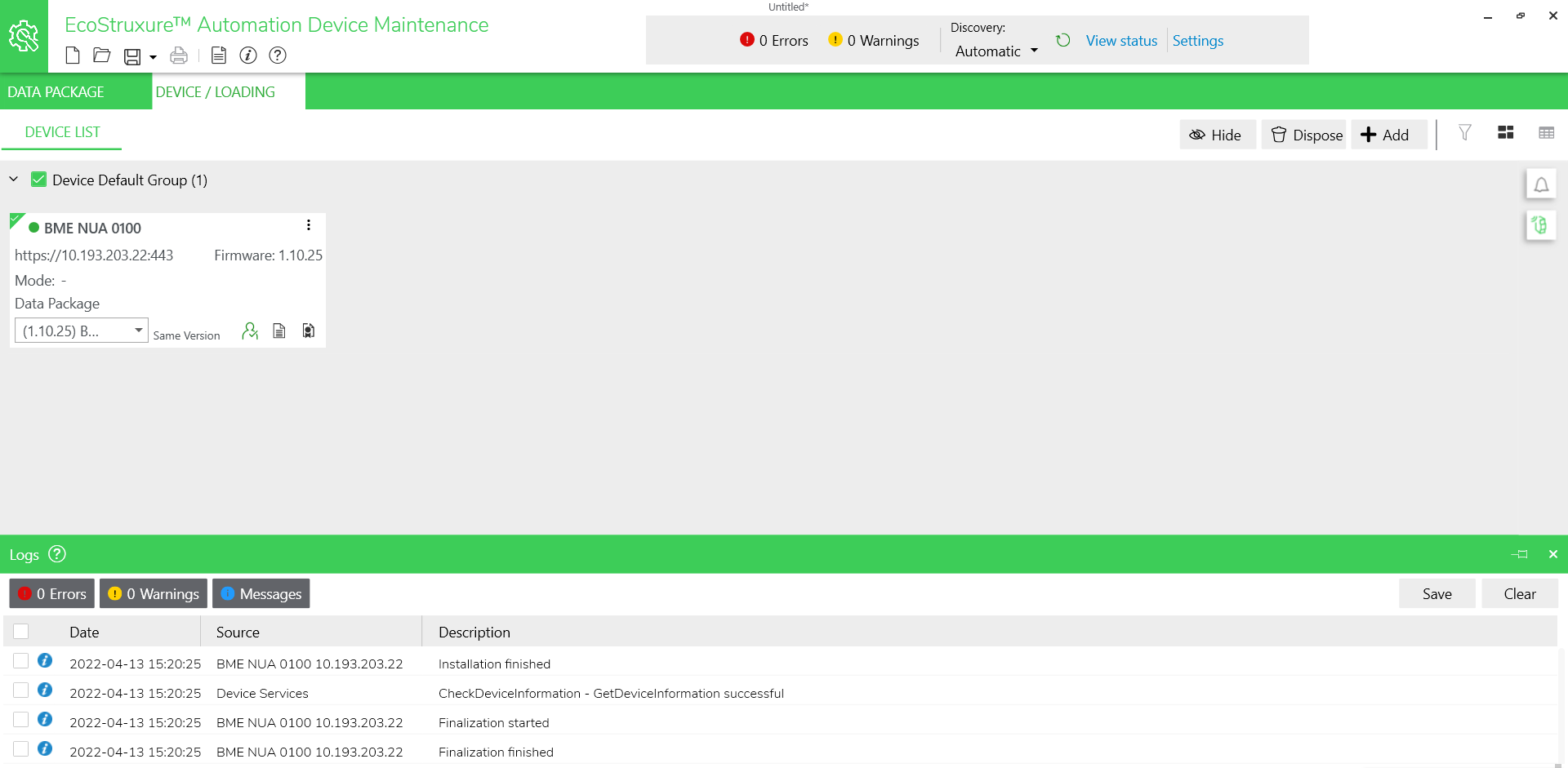
4. Once those steps are finished, your BMENUA0100 module will be with the firmware version 1.10
Product line:
BMENUA0100 version 2.01
Environment
Windows, EADM
https://www.se.com/uk/en/download/document/BMENUA0100_FIRMWARE_SV_01.12/
2. By using EADM (Ecostruxure Automation Device Maintenance) you need to downgrade from version 2.01 to version 1.12
3. By using EADM (Ecostruxure Automation Device Maintenance) you need to downgrade from version 1.12 to version 1.10
4. Once those steps are finished, your BMENUA0100 module will be with the firmware version 1.10
Product line:
BMENUA0100 version 2.01
Environment
Windows, EADM