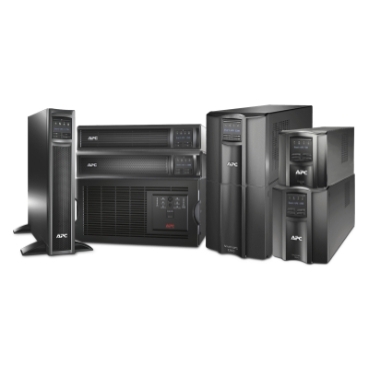
Discover EcoStruxure™ IT SmartConnect
Discover EcoStruxure™ IT SmartConnect
About SmartConnect
EcoStruxure IT SmartConnect cloud service provides remote power monitoring, email notifications and firmware upgrades for your APC Smart-UPS so you can stay up-to-date on your power infrastructure. Get cloud-connected via the built-in SmartConnect Ethernet Port and select the right plan for visibility and flexibility wherever you go. Features vary with terms of use.
What SmartConnect can do for you
What SmartConnect can do for you
Remote power-cycling of IT equipment
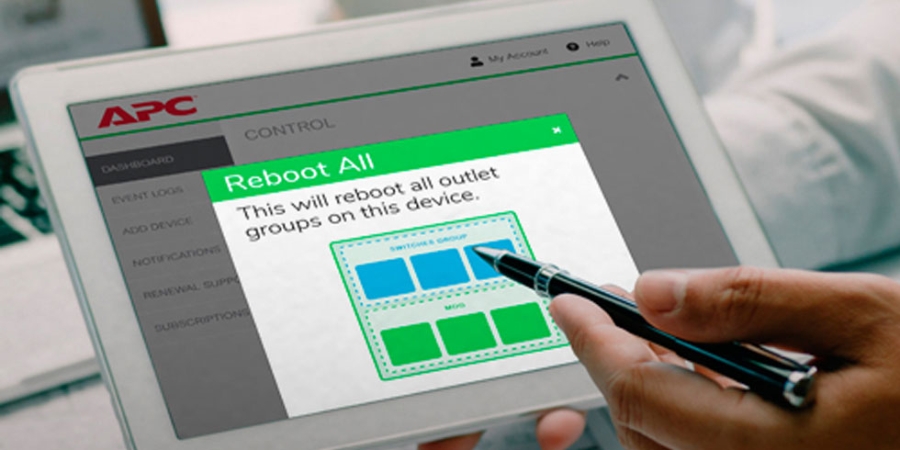
Use the Advanced Plan on SmartConnect to power-cycle Outlet Groups on your Smart-UPS - to reboot IT equipment remotely.
Avoid going on-site for a simple task. No need to find helping hands to do the job for you.
Get cloud-connected via the built-in SmartConnect Ethernet Port to find out more about our plans. Features vary with terms of use.
Power monitoring for Distributed IT

Set up remote power monitoring for your APC Smart-UPS to stay on top of power events as they occur on your site.
View essential UPS information on a tablet, computer or mobile device, and set up email notifications for vital UPS events.
Get cloud-connected via the built-in SmartConnect Ethernet Port to find out more about our plans. Features vary with terms of use.
Benefits

Secure, remote monitoring
Smart-UPS with a SmartConnect Port enable remote monitoring via a secure web portal, so you can stay up-to-date on the status of your power infrastructure.

Pro-active lifecycle notifications
Maximise the lifespan of your UPS, and protect your investment, with pro-active notifications for UPS firmware upgrades, device, device maintenance and warranty protection.

Cloud enabled as standard
APC Smart-UPS are cloud enabled with a built-in SmartConnect Ethernet port. We've made it as easy and cost effective as possible to remotely monitor your UPS.
Features
Features
Facts about SmartConnect
How-to videos
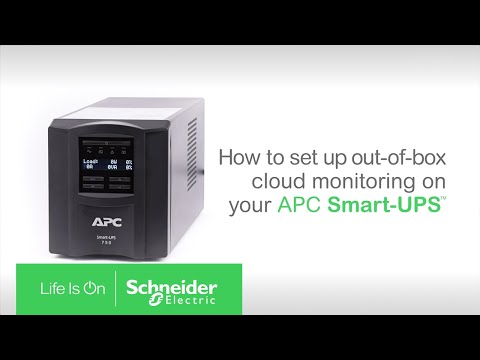
Learn how to setup your Connected APC Smart-UPS
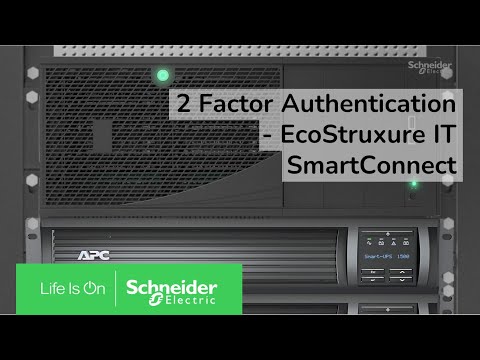
Enabling 2 factor authentication with EcoStruxure™ IT SmartConnect
Getting started is easy

Install your UPS
Install an APC Smart-UPS at your business site. Connect the UPS to your network using the built-in SmartConnect Ethernet port before moving to the next step.

Scan the QR code
Scan the QR Code printed onto your Smart-UPS to automatically begin registration via the web portal.

Register your UPS
Create a Schneider Electric account for your business. Your Smart-UPS will be automatically linked to your account during UPS registration.
Additional Resources
Additional Resources