


What could be the reason that USB connection is not working on M340 ?
Issue
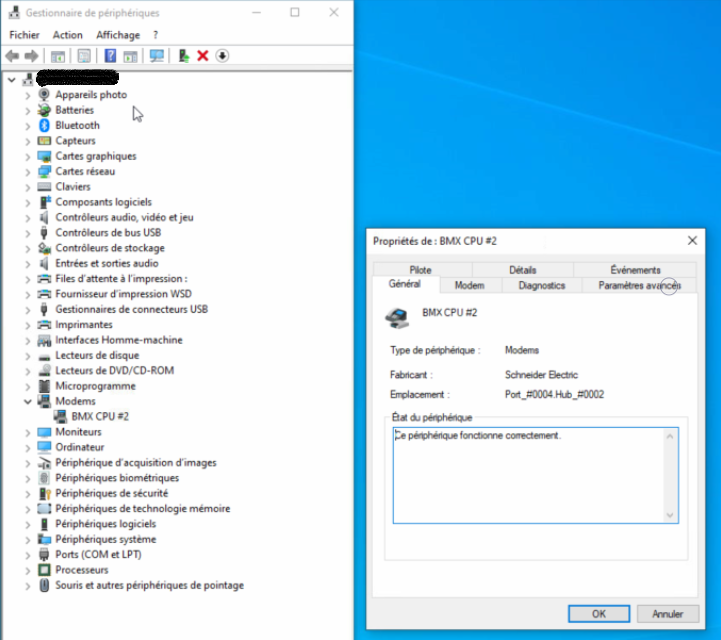
When the USB cable is connected on M340 with a PC, it could happened that the driver is well set like on the picture below :
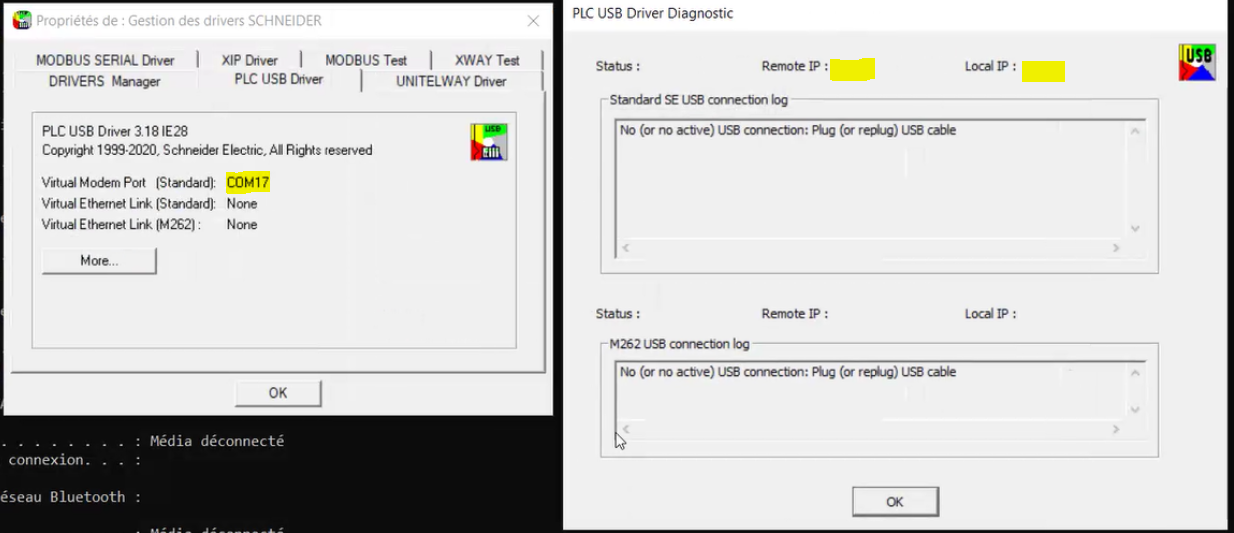
However, in driver manager you cannot see the IP address set 90.0.0.1 and 90.0.0.2 as below
Resolution
One of the reason it’s that the service “telephonie” is not running. Please make sure that this service in running in automatic as follow :

Product line
PLC USB Driver, M340, M580
Environment
Windows
When the USB cable is connected on M340 with a PC, it could happened that the driver is well set like on the picture below :
However, in driver manager you cannot see the IP address set 90.0.0.1 and 90.0.0.2 as below
Resolution
One of the reason it’s that the service “telephonie” is not running. Please make sure that this service in running in automatic as follow :
Product line
PLC USB Driver, M340, M580
Environment
Windows