


How can we help you today?
Video: How to reset Energy values from the front display of a CM4000
Product Line
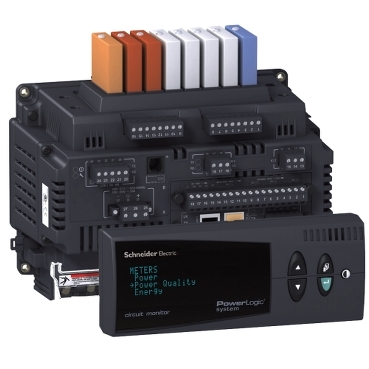
CM4000 series
Resolution
To reset the accumulated Energy values, follow the procedures below:
- From the Front Panel Main Menu, select Resets
- Select Energy. The password prompt displays.
- Select your password. The default password is 0.
- The Reset Energy Screen displays. Select the value that you need to reset.
- Press Enter on the selected option. The "No" option starts to blink
- Use the Up arrow to change to "Yes", then press Enter. The "Yes" will stopp blinking
- Press the Menu button. You will get a confirmation that the Reset was complete.
- Press the Menu button two more times to return to the Main Menu Screen.
Released for: Schneider Electric Netherlands
Explore more
Range:

Explore more
Range:
Need help?
Get a Quote
Start your sales inquiry online and an expert will connect with you.
Where to buy?
Easily find the nearest Schneider Electric distributor in your location.
Help Center
Find support resources for all your needs, in one place.