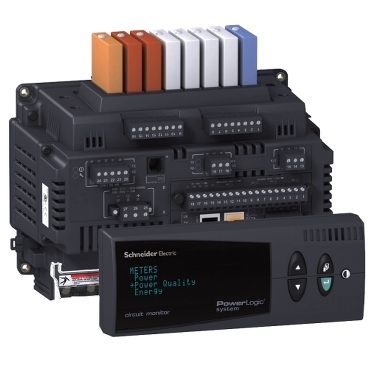
Video: How to reset Energy values from the front display of a CM4000
Product Line
CM4000 series
Resolution
To reset the accumulated Energy values, follow the procedures below:
- From the Front Panel Main Menu, select Resets
- Select Energy. The password prompt displays.
- Select your password. The default password is 0.
- The Reset Energy Screen displays. Select the value that you need to reset.
- Press Enter on the selected option. The "No" option starts to blink
- Use the Up arrow to change to "Yes", then press Enter. The "Yes" will stopp blinking
- Press the Menu button. You will get a confirmation that the Reset was complete.
- Press the Menu button two more times to return to the Main Menu Screen.
게시 대상: 슈나이더 일렉트릭 Korea