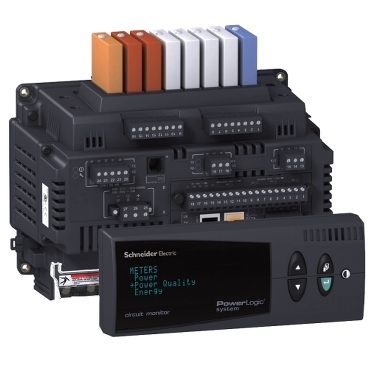
CM4000T Transient alarms do not save when configured in ION Setup 3.0
Issue
The CM4000T will not save settings when configuring transient alarms via ION Setup. The user may notice that when sending the settings, ION Setup will show "download not complete."
Product Line
CM4000T
ION Setup 3.0
Cause
Earlier versions of ION Setup were not equipped to configure transient alarms. The user can input changes, but they will not save. Additionally, if the EN50160 Setup is enabled, this will interfere with transient alarm settings.
Resolution
To correct this issue, download the latest ION Setup 3.0 version. The latest version of ION Setup can be found in Where can I download the latest version of ION Setup software?
After the latest version is installed, you must deactivate the EN50160 Evaluation located in the Power Quality>EN50160 Setup. After performing the steps, you can now activate and edit the transient alarm located in Onboard Alarms/Events.
Note: This functionality/procedure is only applicable to the CM4000T meter.
게시 대상: 슈나이더 일렉트릭 Korea