Our Brands

Impact-Company-Logo-English Black-01-177x54

Welcome to the Schneider Electric Website

Welcome to our website.
		
How can we help you today?
C-Bus download tap not displaying in the download website
SE.com...software tab not showing
The software TAB disappearing is a Browser Cache problem for SE.COM.
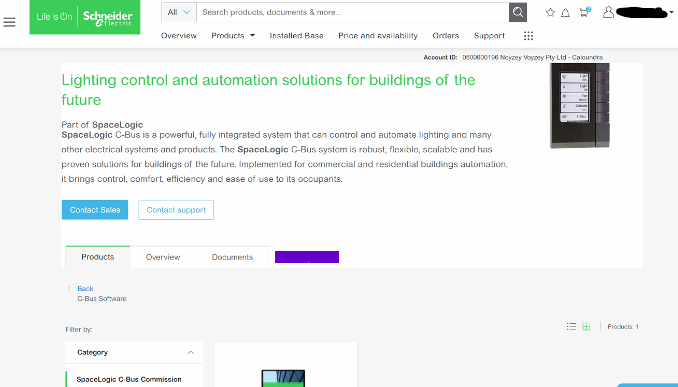

no link tap>link image

It is a fairly simple fix;

This is how to clear your browser cache only for SE.com,  instead of clearing all your cache info for other sites.

Right click> Inspect
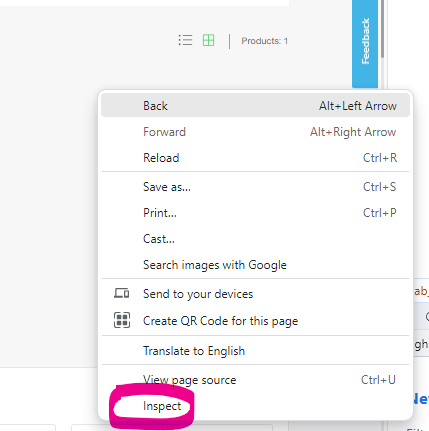
right click short cut

download link

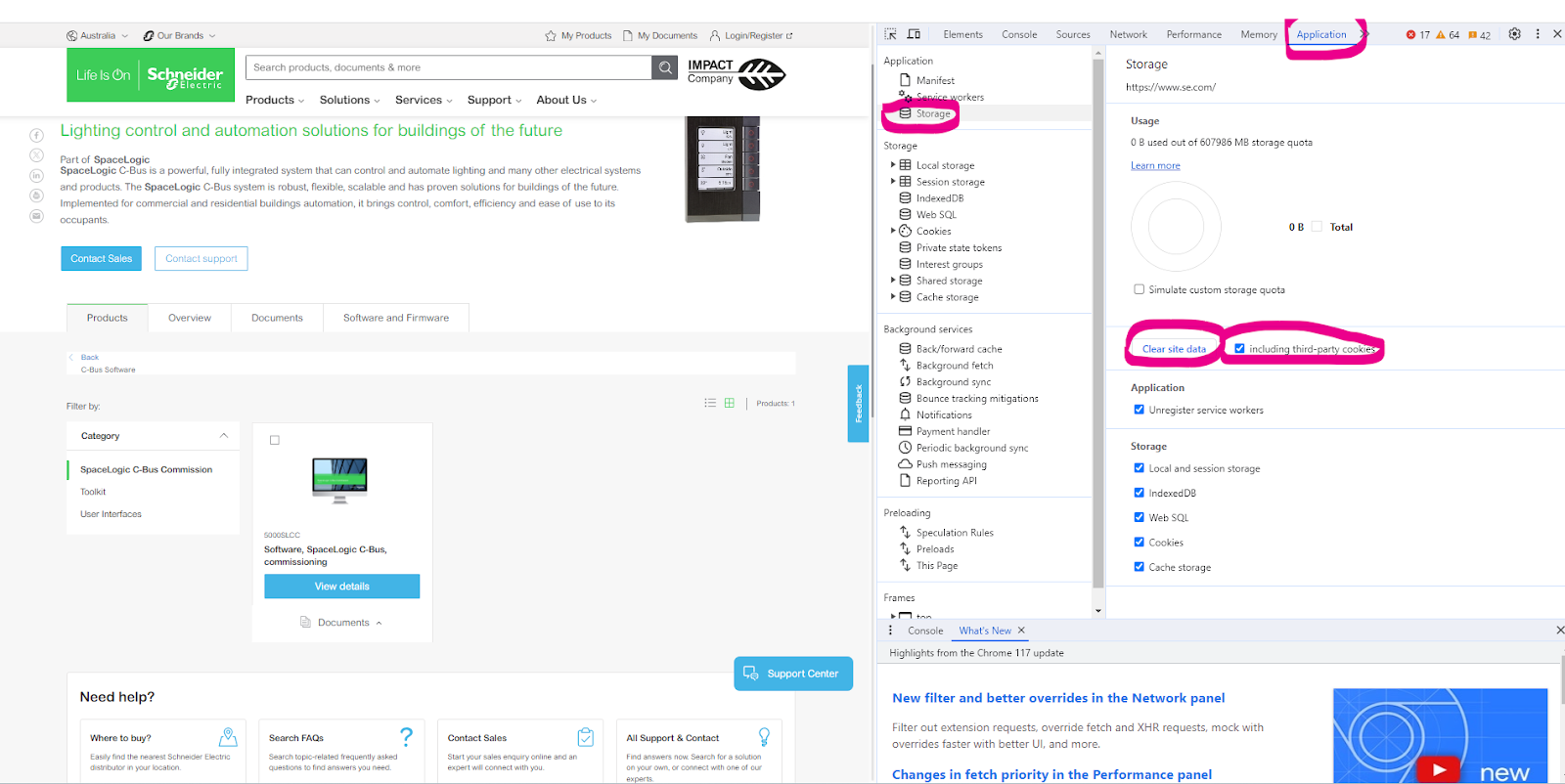
Select Application> Storage> tick including third-party cookies then hit > Clear site data

Another option is to run New Incognito window
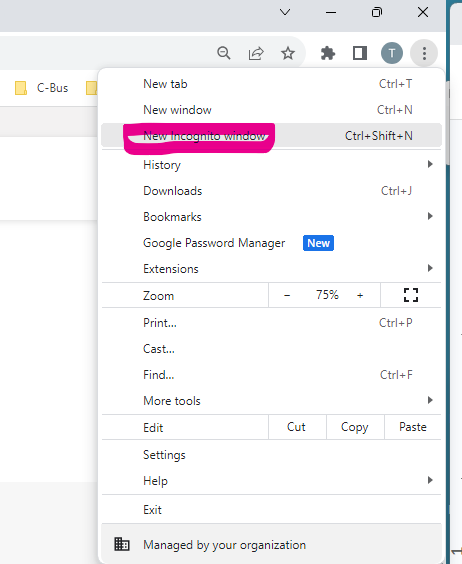
right click

C-Bus software can be sourced from clipsal.com page https://www.clipsal.com/c-bus-software-and-firmware

Schneider Electric Australia

Users group

Discuss this topic with experts

Visit our Community for first-hand insights from experts and peers on this topic and more.
  • Products Documentation
  • Software Downloads
  • Product Selector
  • Product Substitution and Replacement
  • Help and Contact Centre
  • Office Locations
  • Where to buy
  • Phone: 13 73 28 (13 SEAU)
  • Schneider Electric Community
  • Careers
  • Company Profile
  • Report a misconduct
  • Newsroom
  • Investors
  • EcoStruxure
  • Job Search
  • Blog
  • Privacy Policy
  • Cookie Notice
  • Terms and Conditions of Sale
  • Change your cookie settings