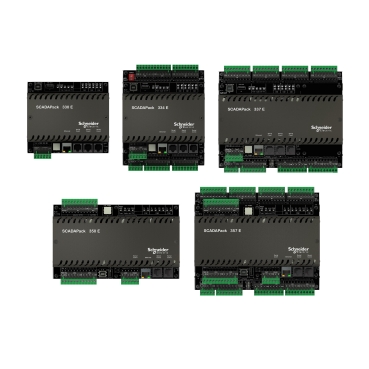
How To configure a different Modbus address to each serial COM Port in the SCADAPack SLAVE Device ?
Issue
Assigning Different Modbus Addresses for each COM Port in the Slave SCADAPack
Product Line
SCADAPack E RTU
Environment
Windows OSes, E Configurator
Resolution
The Resolution Provides detailed steps in E Configurator Software to assign different Modbus addresses to COM Ports in SACADAPACK 535E
1- Install E Configurator 8.12.5
2- Update the SP535E to latest Firmware Version 8.12.5
3- In the Port 0-3 page in case of 300E Series or Port 0-4 in case of 500E Series, Configure The Serial Ports with the Modbus settings to be matched with the Modbus Master, an example is below
4- In the Point Browser page, Add 5 Analog System Points to be configured
Where:
| Address | Description |
|---|---|
| 52014 | System Point |
| 52017 | Port 1 Modbus Address |
| 52018 | Port 2 Modbus Address |
| 52019 | Port 3 Modbus Address |
| 52020 | Port 4 Modbus Address |
5- Write the Following Values to assign different Modbus Addresses to Port 1 & Port 2
| Port Address | Value |
|---|---|
| 52014 | 0 |
| 52017 (Port 1) | 1 |
| 52017 (Port 2) | 2 |
6- Press Write Button
7- Perform the Power Cycle the SCADAPack
8- Use Read to check if the new addresses were applied
9- Configure the Modbus Master Address with Value 1 and Connect the Serial Cable between The Modbus Master device and Port 1 of SCADAPack Slave Device.
10- Check that the Communication is good when Tx &Rx LEDs of COM1 are blinking.
11- Move the Serial Cable to Port 2; The Communication will be lost until you change the Modbus Master address to Value 2
Gepubliceerd voor: Schneider Electric Belgium