


Cannot open JAVA web pages with Microsoft Edge
The reason why the JAVA web pages for the M580, M340 and Quantum Ethernet modules cannot be opened in Microsoft Edge (IP address has been added to the Site Exception list for JAVA) is due to: 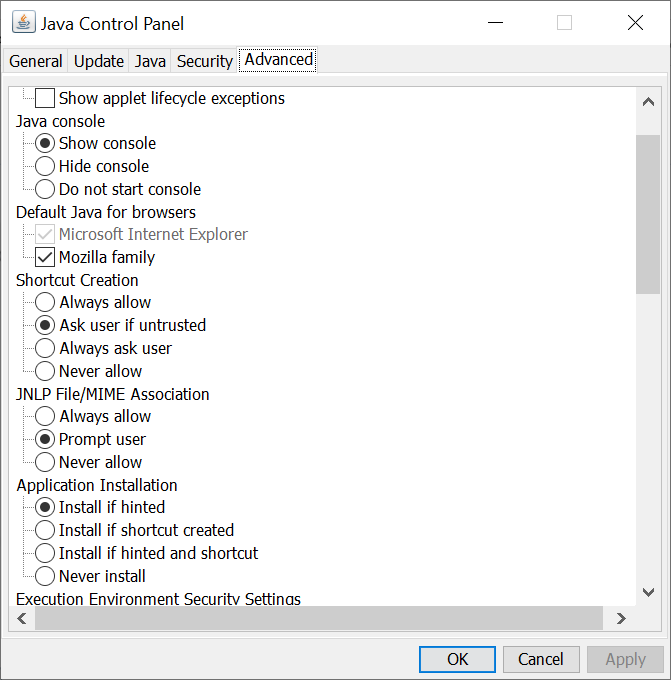
To resolve the issue, use the following steps as a workaround.
- JAVA console being blocked by Microsoft Edge.
- Microsoft Edge does not support JAVA.
- JAVA does not support Microsoft Edge as a browser:
To resolve the issue, use the following steps as a workaround.
- Open the JAVA control panel and enable the JAVA console.
- Click on OK
- Open the Microsoft Edge settings.
- Click on Default Browser.
- Set the 'Internet Explorer compatibility for 'Let Internet Explorer open sites in Microsoft Edge' to Never.
- Open Internet Explorer.
- Navigate to the JAVA web page for the Ethernet module (The JAVA console panel should appear.)
- Wait for the security warning to appear
- Click on 'Accept the risk and want to run the application.'