


How to raise a customer issue for Ecostruxure specification builder application?
Ecostruxure specification builder application has inbuilt web 2 case feature.
Please follow below steps to log case or customer issues.
Step-1
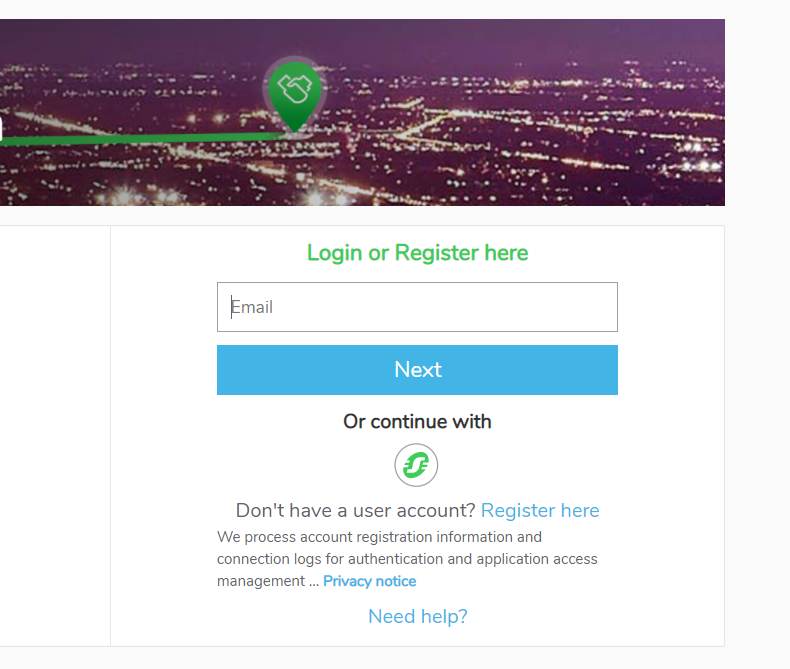
Access the application by using country localised URL link.
Step-2
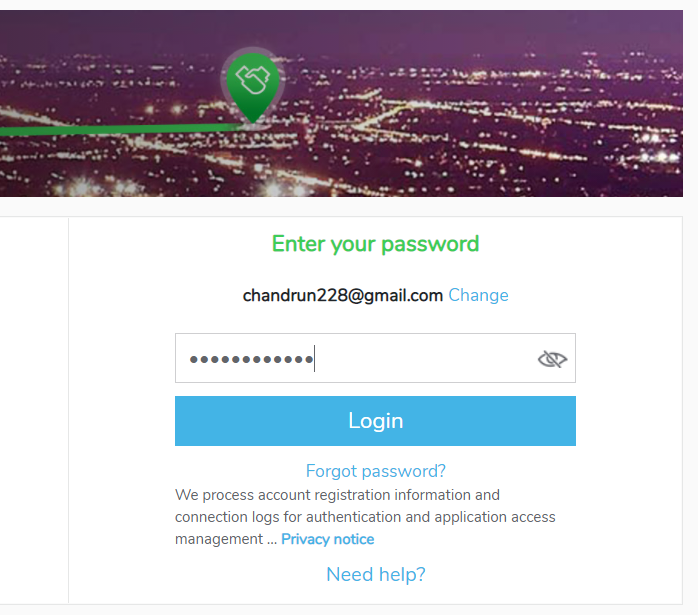
Login to the application with your credentials(External users)/SSO id (Internal users).
Step-3
Click on the contact

Step-4
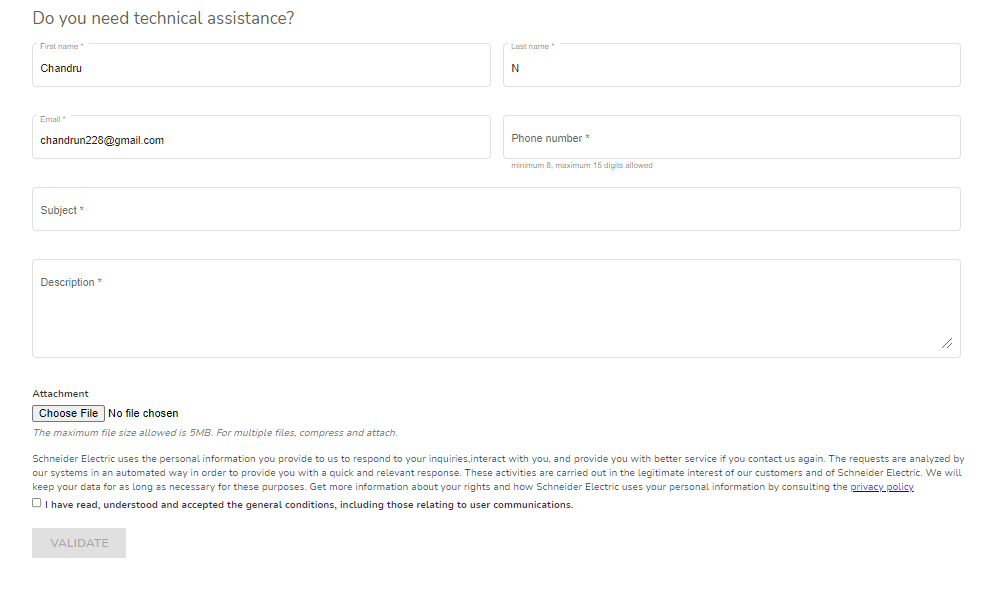
Please provide the below details with appropriate detailed explanation and attach the supporting documents if any. Then Click Validate.
Step-5
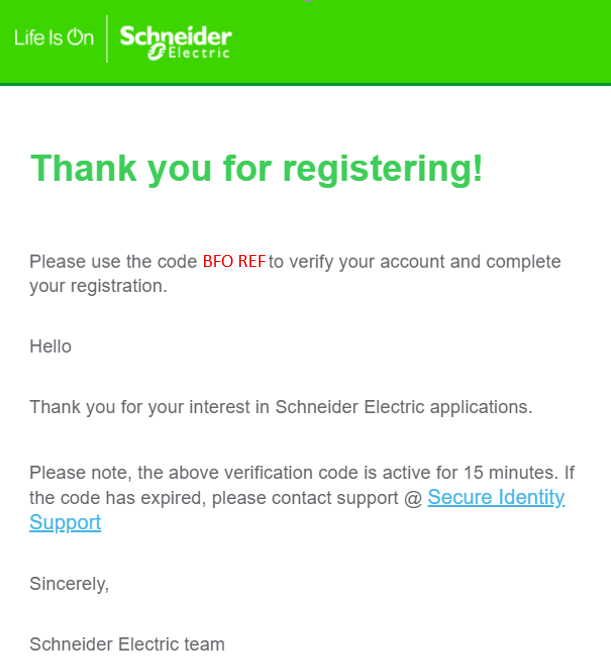
After the successful validation, you will receive a acknowledged e-mail with Case reference number. Note: Please keep case reference handy for easy tracking of the case.
Please follow below steps to log case or customer issues.
Step-1
Access the application by using country localised URL link.
Step-2
Login to the application with your credentials(External users)/SSO id (Internal users).
Step-3
Click on the contact
Step-4
Please provide the below details with appropriate detailed explanation and attach the supporting documents if any. Then Click Validate.
Step-5
After the successful validation, you will receive a acknowledged e-mail with Case reference number. Note: Please keep case reference handy for easy tracking of the case.