


What is the Authentication Renewal Process for Ecostruxure Power Build-Rapsody V2.4.X
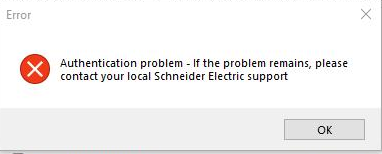
Issue: Rapsody software failed to open or get an error message
Product Line: Ecostruxure Power Build – Rapsody
Resolution:
Step1: Download the file EPBR_StandAloneAuthenticator.zip. Click here to download the zip file.
Step2: Right click on the downloaded file and choose “Extract All” in C:\Users\xxx\Downloads\ EPBR_StandAloneAuthenticator.
Step3: Open the Extracted folder EPBR_StandAloneAuthenticator\EcoStruxure Power Build - Rapsody Stand Alone Authenticator.
Step4: Launch EcoStruxure Power Build - Rapsody Stand Alone Authenticator.exe by double click on it.
Step5: An authentication window will open after running the exe as mentioned Step 4.
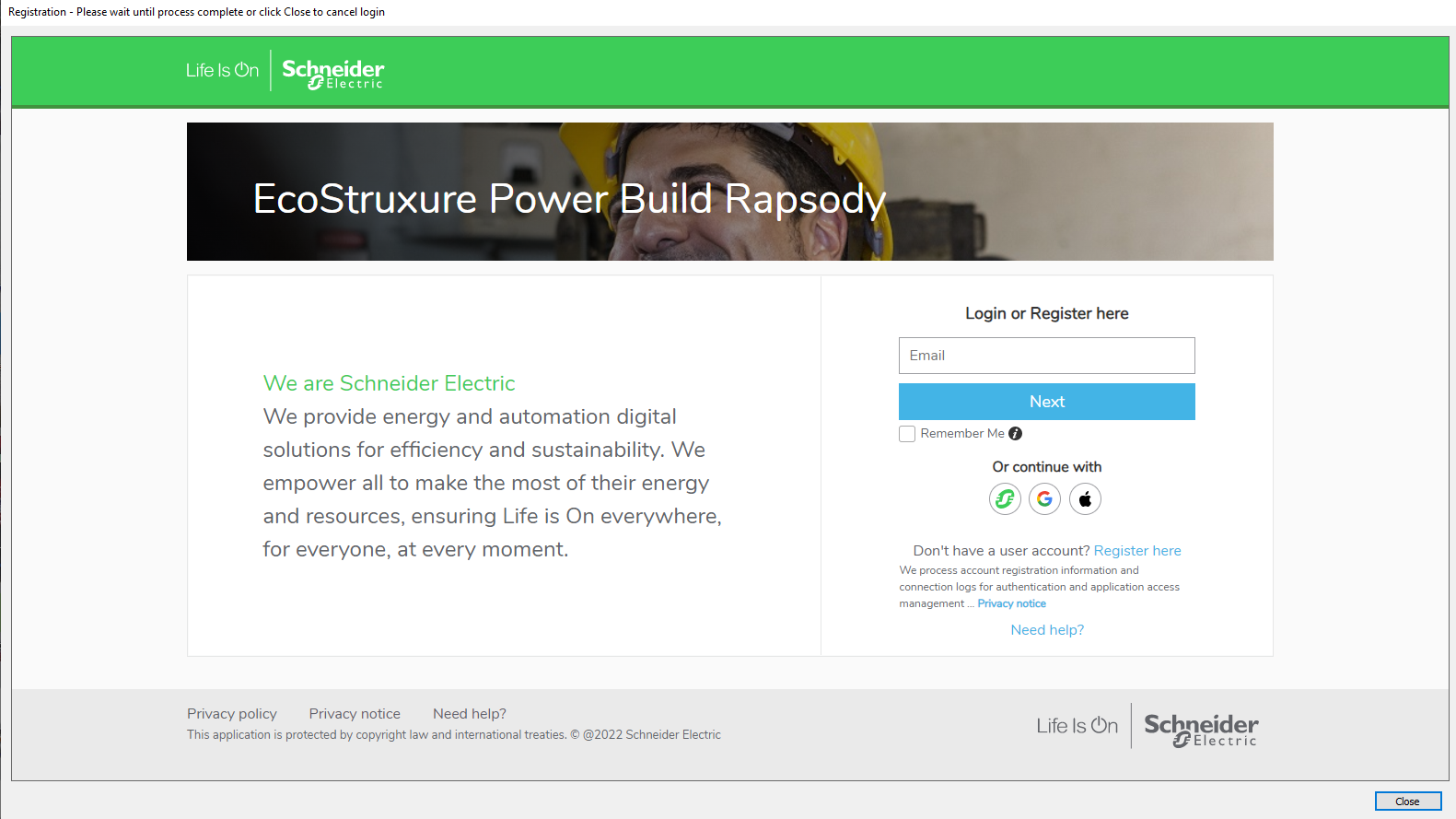
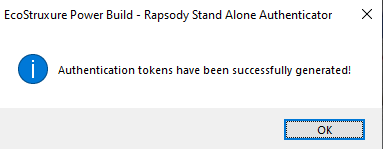
Step6: Enter your login credential or register yourself (new user), after successful login/registration, user should see a message of successful tokens generated.
Users can now re-use any previous version of EcoStruxure Power Build - Rapsody V2.4.X
Note: In case user still see problem in login to Rapsody software then they can contact Schneider Support and provide the log file from path C:\Users\Xx\Downloads\EPBR_StandAloneAuthenticator\EcoStruxure Power Build - Rapsody StandAlone Authenticator\Log\EcoStruxure Power Build – Rapsody.log
Product Line: Ecostruxure Power Build – Rapsody
Resolution:
Step1: Download the file EPBR_StandAloneAuthenticator.zip. Click here to download the zip file.
Step2: Right click on the downloaded file and choose “Extract All” in C:\Users\xxx\Downloads\ EPBR_StandAloneAuthenticator.
Step3: Open the Extracted folder EPBR_StandAloneAuthenticator\EcoStruxure Power Build - Rapsody Stand Alone Authenticator.
Step4: Launch EcoStruxure Power Build - Rapsody Stand Alone Authenticator.exe by double click on it.
Step5: An authentication window will open after running the exe as mentioned Step 4.
Step6: Enter your login credential or register yourself (new user), after successful login/registration, user should see a message of successful tokens generated.
Users can now re-use any previous version of EcoStruxure Power Build - Rapsody V2.4.X
Note: In case user still see problem in login to Rapsody software then they can contact Schneider Support and provide the log file from path C:\Users\Xx\Downloads\EPBR_StandAloneAuthenticator\EcoStruxure Power Build - Rapsody StandAlone Authenticator\Log\EcoStruxure Power Build – Rapsody.log