


Ecostruxure Process Expert [2021]: How to resolve white screen issue which appears after opening refinement of Control project & Supervision participant.
This document explains on How to resolve white screen issue which appears after opening refinement of Control project & Supervision participant.
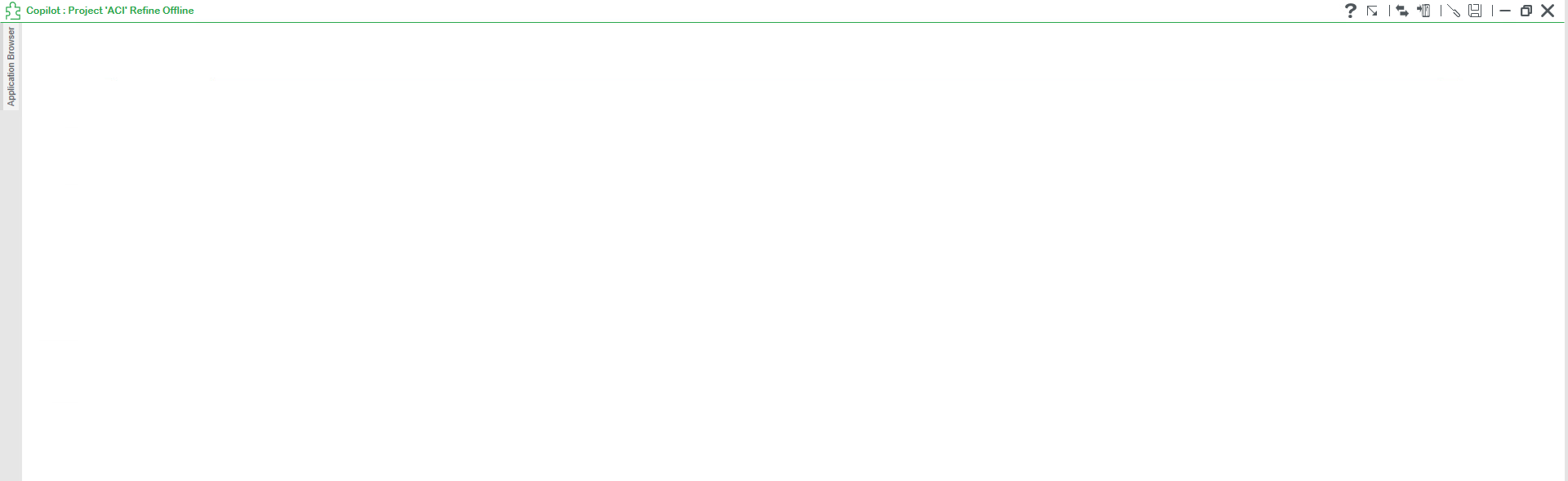
User might face a white screen which is commonly seen, when tried to open refinement of control expert or supervision participant as shown below.
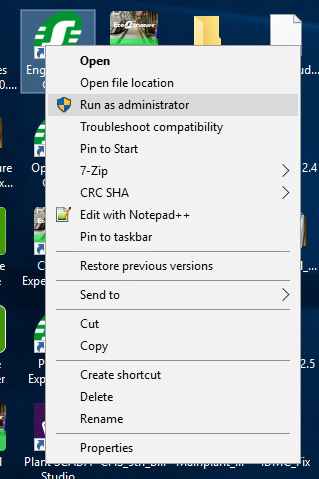
This white screen issues appears when the Engineering client is opened without admin privileges. Therefore, always open Engineering client with "Run as Admin" and thus User can eliminate White screen issue.
This document is applicable only for Ecostruxure Process Expert 2021 version only.
User might face a white screen which is commonly seen, when tried to open refinement of control expert or supervision participant as shown below.
This white screen issues appears when the Engineering client is opened without admin privileges. Therefore, always open Engineering client with "Run as Admin" and thus User can eliminate White screen issue.
This document is applicable only for Ecostruxure Process Expert 2021 version only.