


Power Monitoring Expert (PME) Management console error shows "Invalid column name 'SecureConnectionEnabled'. Invalid Column name 'CertificateValidation'." after a reconfigure. Windows Services fail to start.
Issue
After running a "reconfigure" on PME 2022, an error appears in the management console application:
In addition, the PME Windows Services will not start.
Product line
Power Monitoring Expert 2022
Environment
PME Management Console
Windows Services
Cause
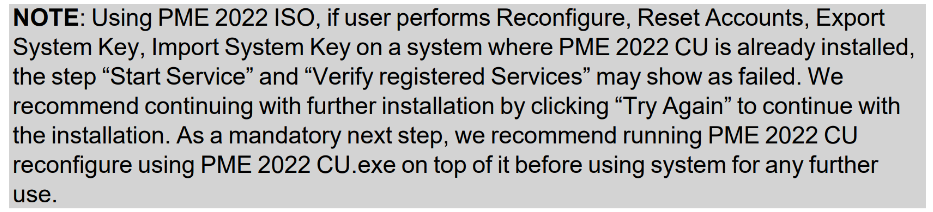
After running a reconfigure from the PME 2022 installer (.iso) on a system with a PME 2022 Cumulative Update (CU) already installed, a reconfigure needs to be run on the CU as well. This is noted in the PME 2022 CU1 Release Notes:
Resolution
After running a "reconfigure" on PME 2022, an error appears in the management console application:
Product line
Power Monitoring Expert 2022
Environment
PME Management Console
Windows Services
Cause
After running a reconfigure from the PME 2022 installer (.iso) on a system with a PME 2022 Cumulative Update (CU) already installed, a reconfigure needs to be run on the CU as well. This is noted in the PME 2022 CU1 Release Notes:
Resolution
- Locate the PME Cumulative Update (CU) installer and run as an administrator.
- Select "reconfigure."
- Allow the installer to run through the reconfigure steps.