How can we help you today?

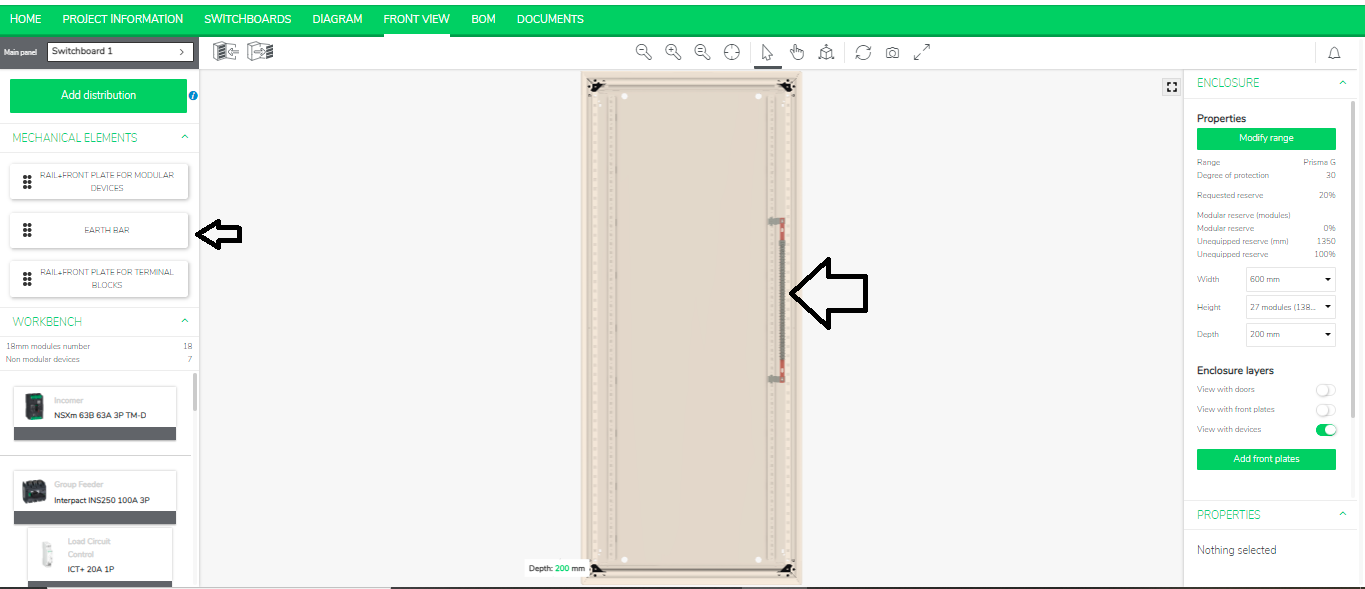
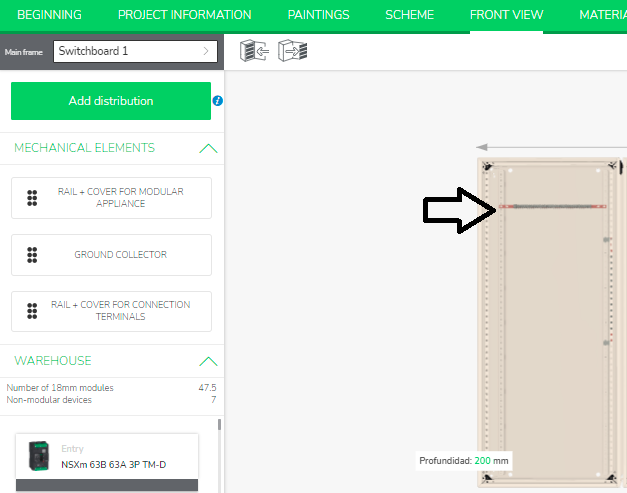
Where to manage earth bar in eDesign Small Building application

Issue: Managing earth bar in Front View of eDesign Small Building application
Product Line: eDesign Small Building https://edesign-630.se.com/
Cause: Manage earth bar location in the switchboard
Resolution:
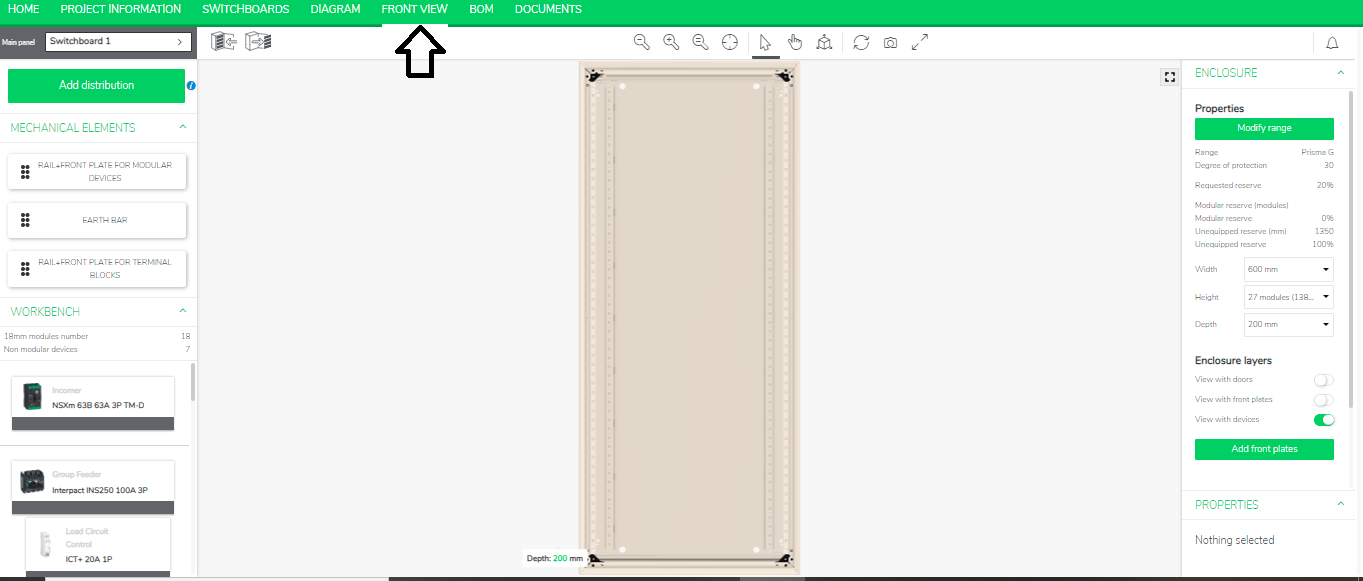
  1. Go to the Front View in eDesign Small Building https://edesign-630.se.com/


On left panel you will see “Earth Bar tag”.
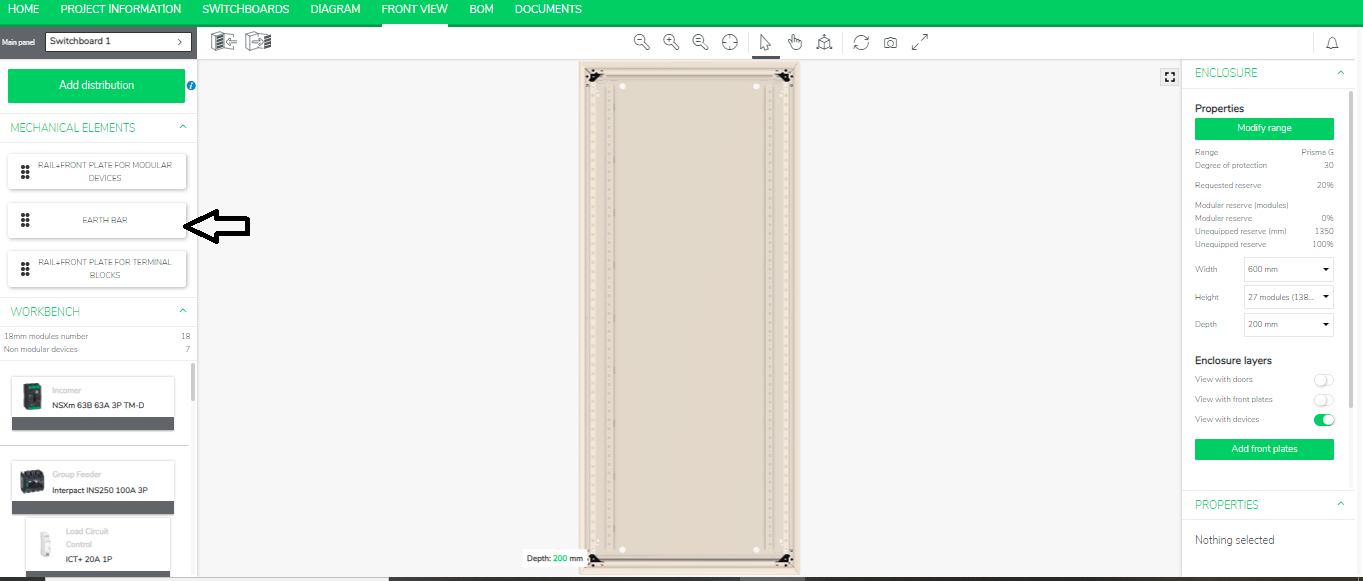
  1. Drag and drop this earth bar in all the possible places in the enclosure as shown below.


Schneider Electric Thailand

Users group

Discuss this topic with experts

Visit our community and get advice from experts and peers on this topic and more

Need help?

Need help?

Product Selector

Product Selector

Quickly and easily find the right products and accessories for your applications.

Get a Quote

Get a Quote

Start your sales inquiry online and an expert will connect with you.

Where to buy?

Where to buy?

Easily find the nearest Schneider Electric distributor in your location.

Help Center

Help Center

Find support resources for all your needs, in one place.

  • Products Documentation
  • Software Downloads
  • Product Selector
  • Product Substitution and Replacement
  • Help and Contact Center
  • Find our Offices
  • Get a Quote
  • Where to buy
  • Schneider Electric Community
  • Careers
  • Company Profile
  • Report a misconduct
  • Accessibility
  • Investors
  • EcoStruxure
  • Job Search
  • Blog
  • Privacy Policy
  • Cookie Notice
  • Terms of use
  • Change your cookie settings