


How do I personalize my page? (rearrange the page, change quick links, etc.)
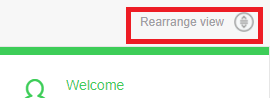
In terms of individualization, you can change the order on the page by selecting the modules you want to display or those you want to remove from the view. Above your user information, you will find the “Rearrange view” button. By clicking it, you will be able to manage your homepage.
You can also change or rearrange your quicklinks to access the tools & configurators you often use.
To add or delete a link, simply click on the edit button. Keep in mind that you can select up to 8 links to display.
You can also change or rearrange your quicklinks to access the tools & configurators you often use.
To add or delete a link, simply click on the edit button. Keep in mind that you can select up to 8 links to display.
Released for: Schneider Electric Canada
