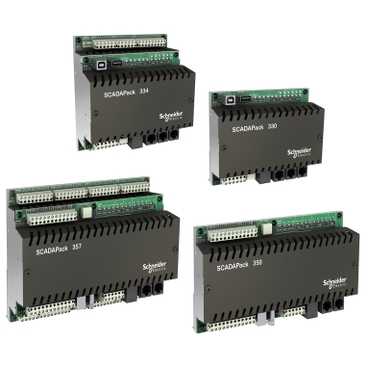
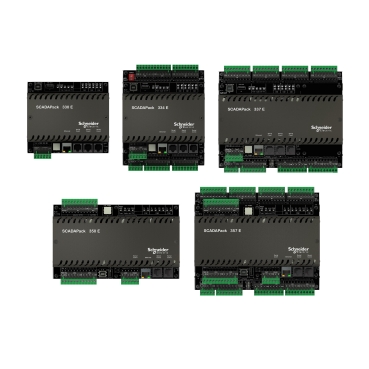
SCADAPack x70 Logic Editor Message - What Does "This isn't a valid PLC Address, or PLC is busy, or media is off" Mean?
When using a SCADAPack x70 and attempting to connect the logic debugger, if the message "This isn't a valid PLC Address, or PLC is busy, or media is off" is displayed, it can mean either the Logic Debugger service is not enabled or the user has changed the "Set Address.." settings in the Logic Editor
To remedy this:
- Return to RemoteConnect
- Open the offline configuration
- In the "SCADAPack x70 Logic" section, check to see if the Logic Debugger Service is enabled. If it is not Enabled, enable the service and write the project to the SCADAPack.
It can also be observed if the user has changed the Set Address settings in the Logic Editor from the Mode -> Connect menu option
The Logic Editor receives these values from RemoteConnect. When you go online from RemoteConnect, the Set Address field is automatically populated. DO NOT ADJUST THE SET ADDRESS settings like you would for other PLC's that use the Control Expert platform.
Udgivet til: Schneider Electric Danmark