


Configuring Waveform recordings on the PM800 series meter with ION Setup software
Issue
Need to configure the waveform capture on a PM800 series meter.
Product Line
PM850, PM870, ION Setup
Environment
Application using a PM800 series meter to capture waveforms
Cause
Need configure waveform capture on a existing PM850 or PM870
Resolution
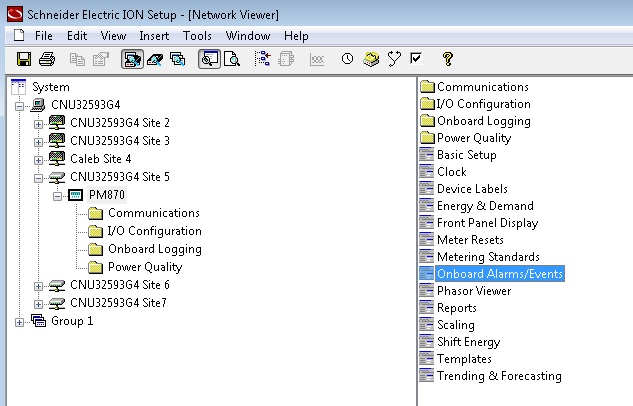
Both the PM850 and PM870 can capture waveform data. Capture can be enabled in the Onboard Alarms/Event setup, see figures below.

Need to configure the waveform capture on a PM800 series meter.
Product Line
PM850, PM870, ION Setup
Environment
Application using a PM800 series meter to capture waveforms
Cause
Need configure waveform capture on a existing PM850 or PM870
Resolution
Both the PM850 and PM870 can capture waveform data. Capture can be enabled in the Onboard Alarms/Event setup, see figures below.
The PM870 can configure aspects of the waveform like the channels selected, samples per cycle, duration, and pre-event cycles. These values are fixed in the PM850. The waveform capture configuration is accessed through the Power Quality folder.
Note
- ION Setup cannot view waveforms from this device.