


How to manage terminal block in eDesign Small Building application
Issue: Managing terminal block in Front View of eDesign small building application
Product Line: eDesign for Small Building https://edesign-630.se.com/
Cause: Install terminal blocks in the switchboard.
Resolution:

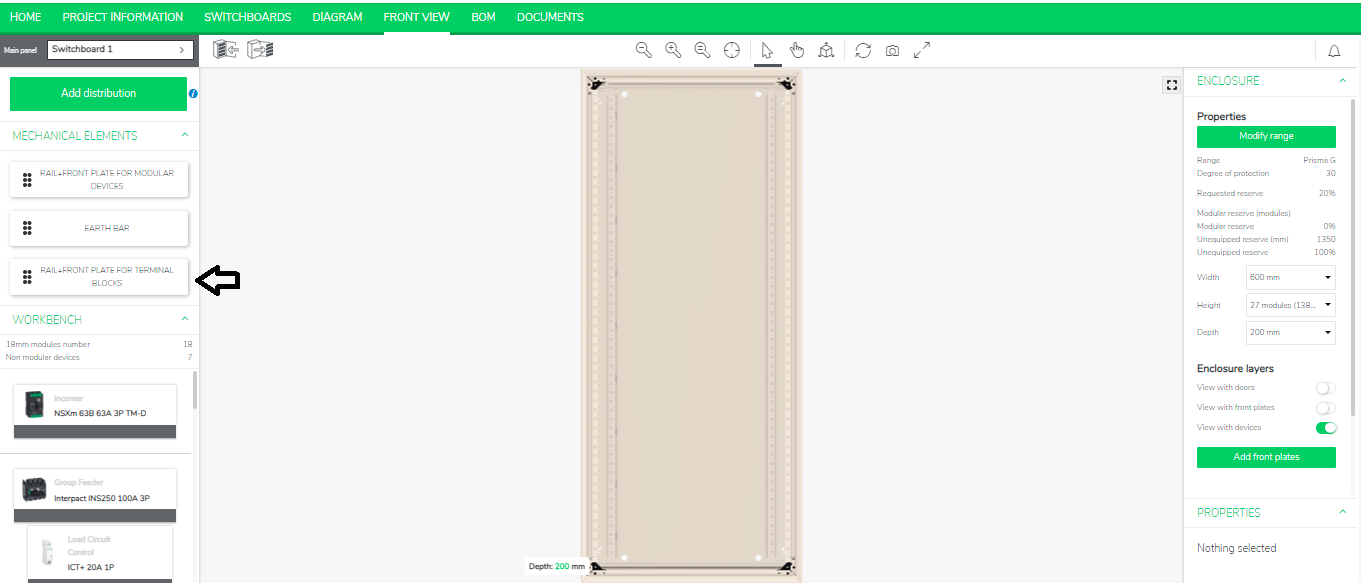
On left panel, you will see “Rail + Front Plate for Terminal Blockstag.”
Product Line: eDesign for Small Building https://edesign-630.se.com/
Cause: Install terminal blocks in the switchboard.
Resolution:
- Go to the Front View in eDesign Small Building https://edesign-630.se.com/
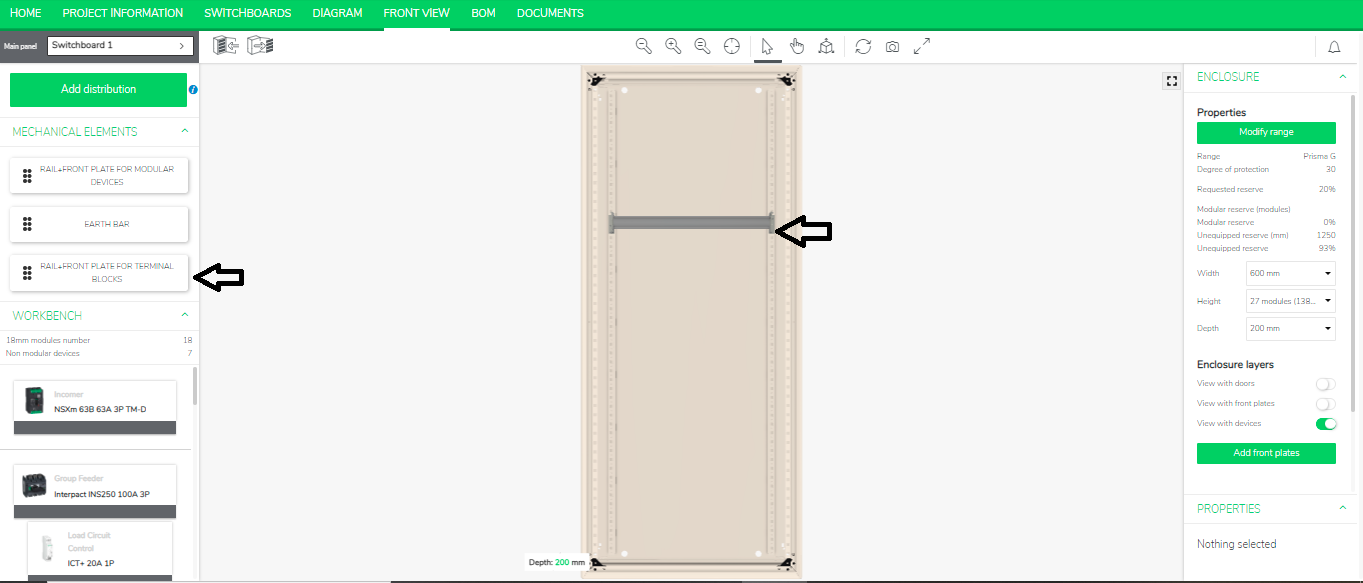
On left panel, you will see “Rail + Front Plate for Terminal Blockstag.”
- Drag and drop the tag in all the possible places in the
switchboard as shown below.