


Viewing diagnostics of the M340 from the web page
Issue
Where to find information about the M340 from the web page.
Product line
M340
Environment
Internet Explorer/Microsoft Edge, Windows 10
Resolution
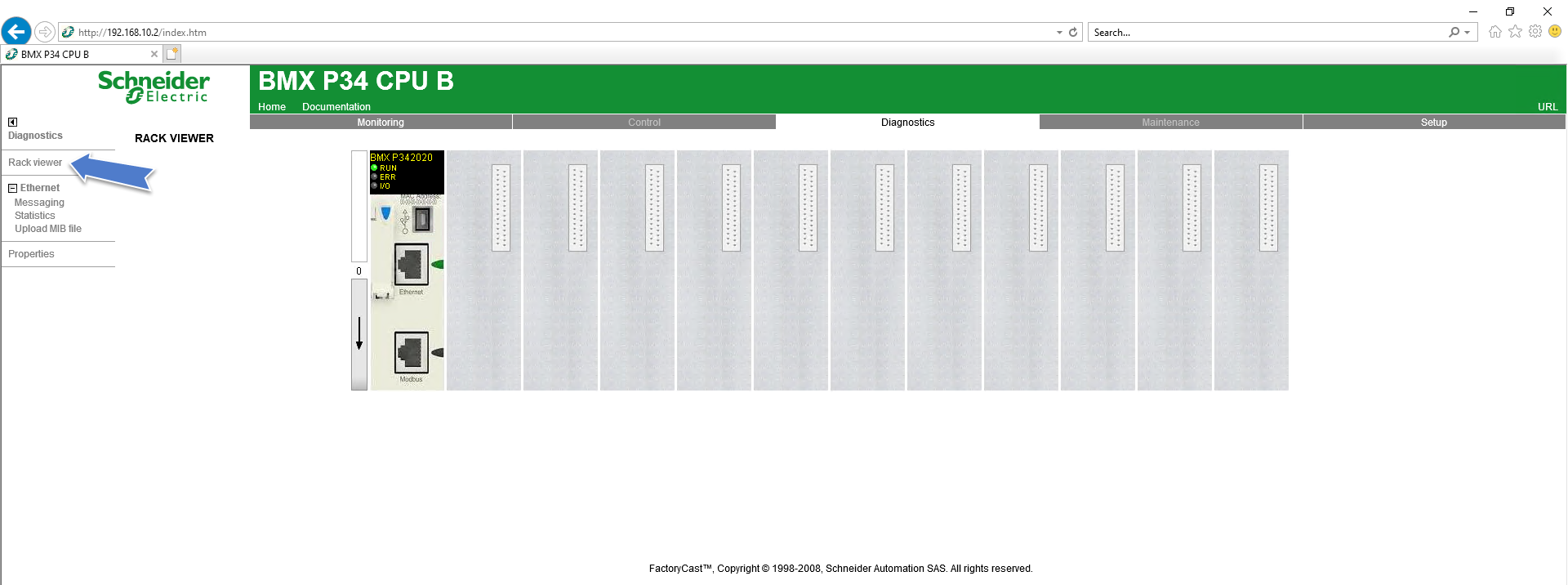
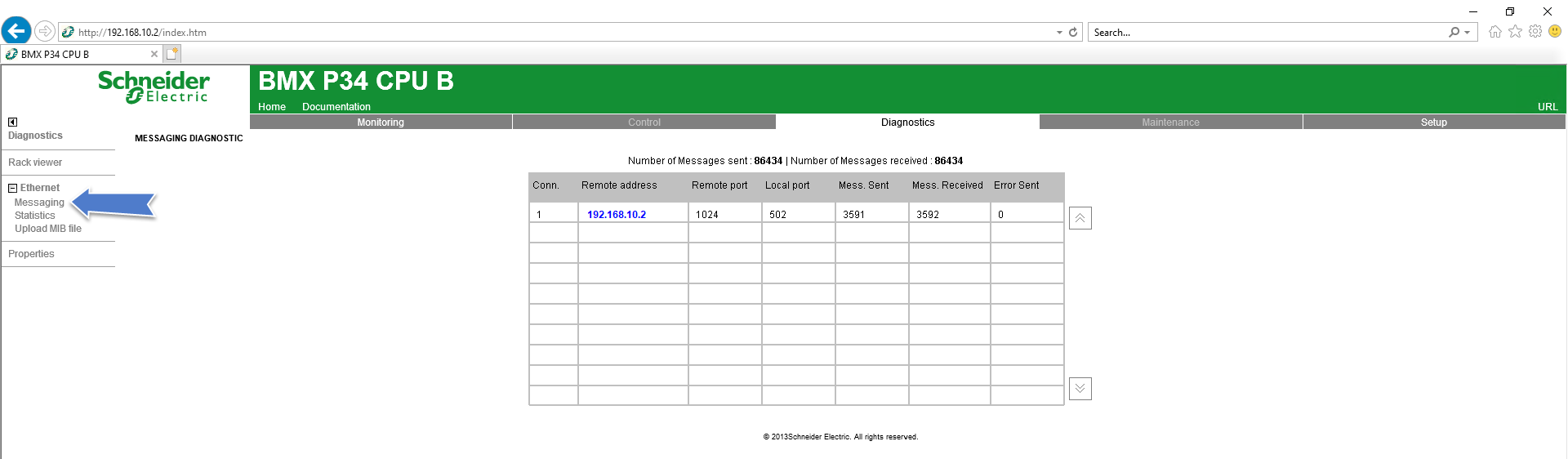
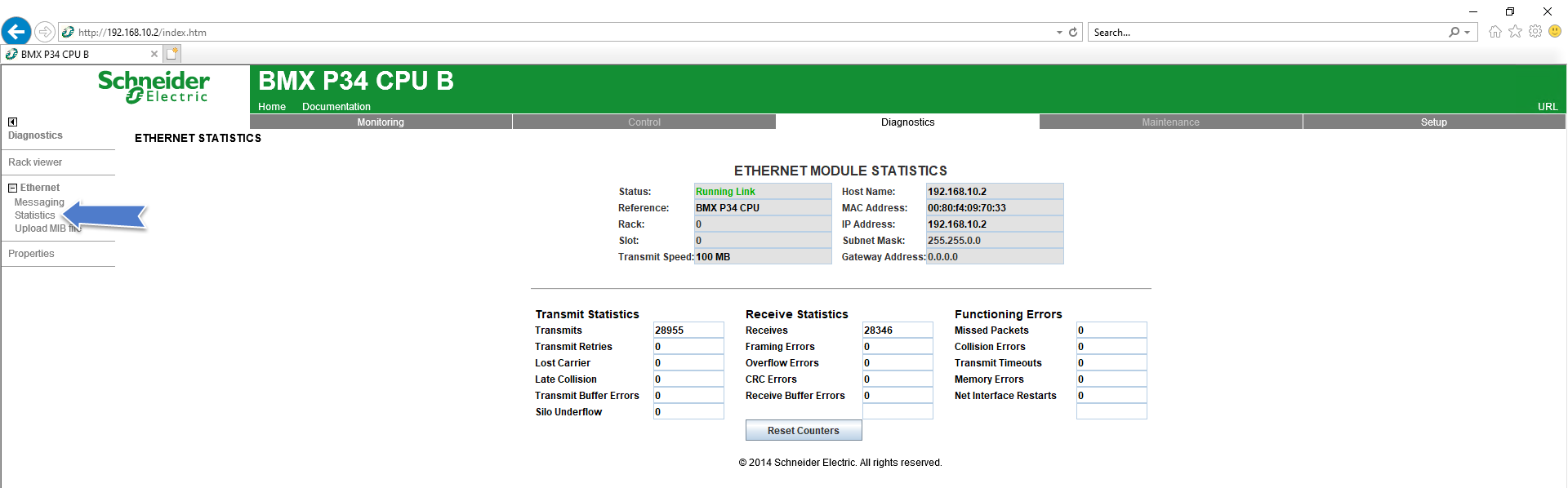
In the diagnostic tab you can see the rack, number of messages sent and received, ethernet configuration of the M340, and firmware and software versions.
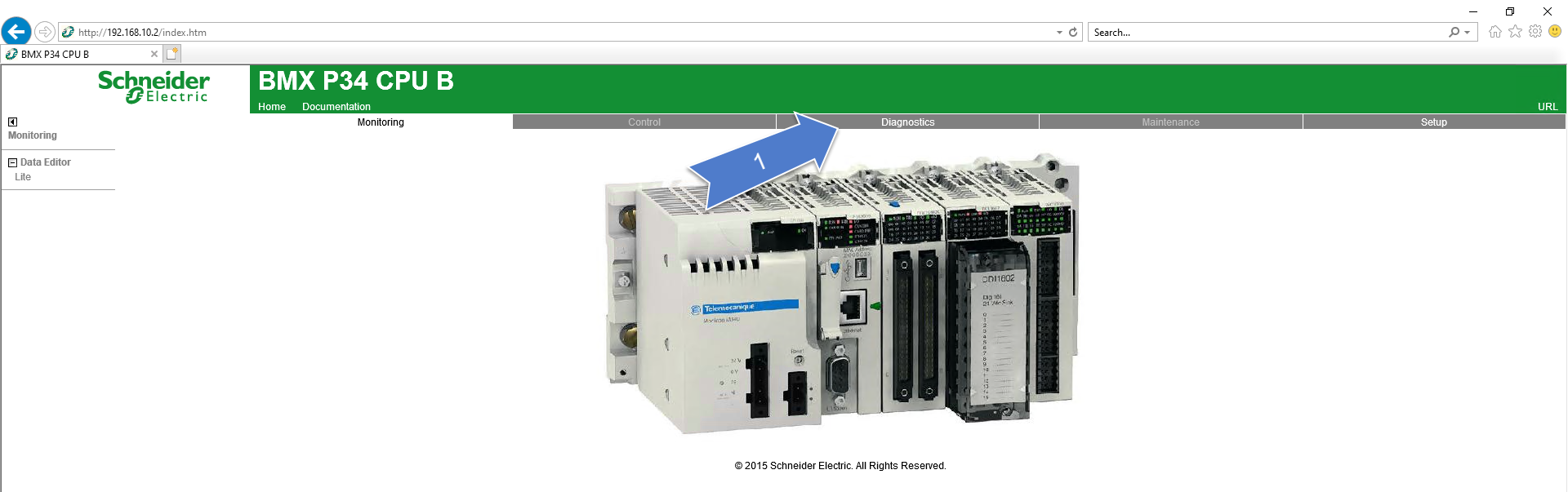
Once you have logged into the M340 web server click Diagnostic.
Rack Viewer
Messages sent/received
Ethernet configuration
Software and firmware version

Where to find information about the M340 from the web page.
Product line
M340
Environment
Internet Explorer/Microsoft Edge, Windows 10
Resolution
In the diagnostic tab you can see the rack, number of messages sent and received, ethernet configuration of the M340, and firmware and software versions.
Once you have logged into the M340 web server click Diagnostic.
Rack Viewer
Messages sent/received
Ethernet configuration
Software and firmware version