


What causes the error message "Error saving the library: error saving EDS library" when adding an EDS file to EcoStruxure Control Expert library?
When adding an EDS file to the library, the error message below is generated. There could be several reasons for this.
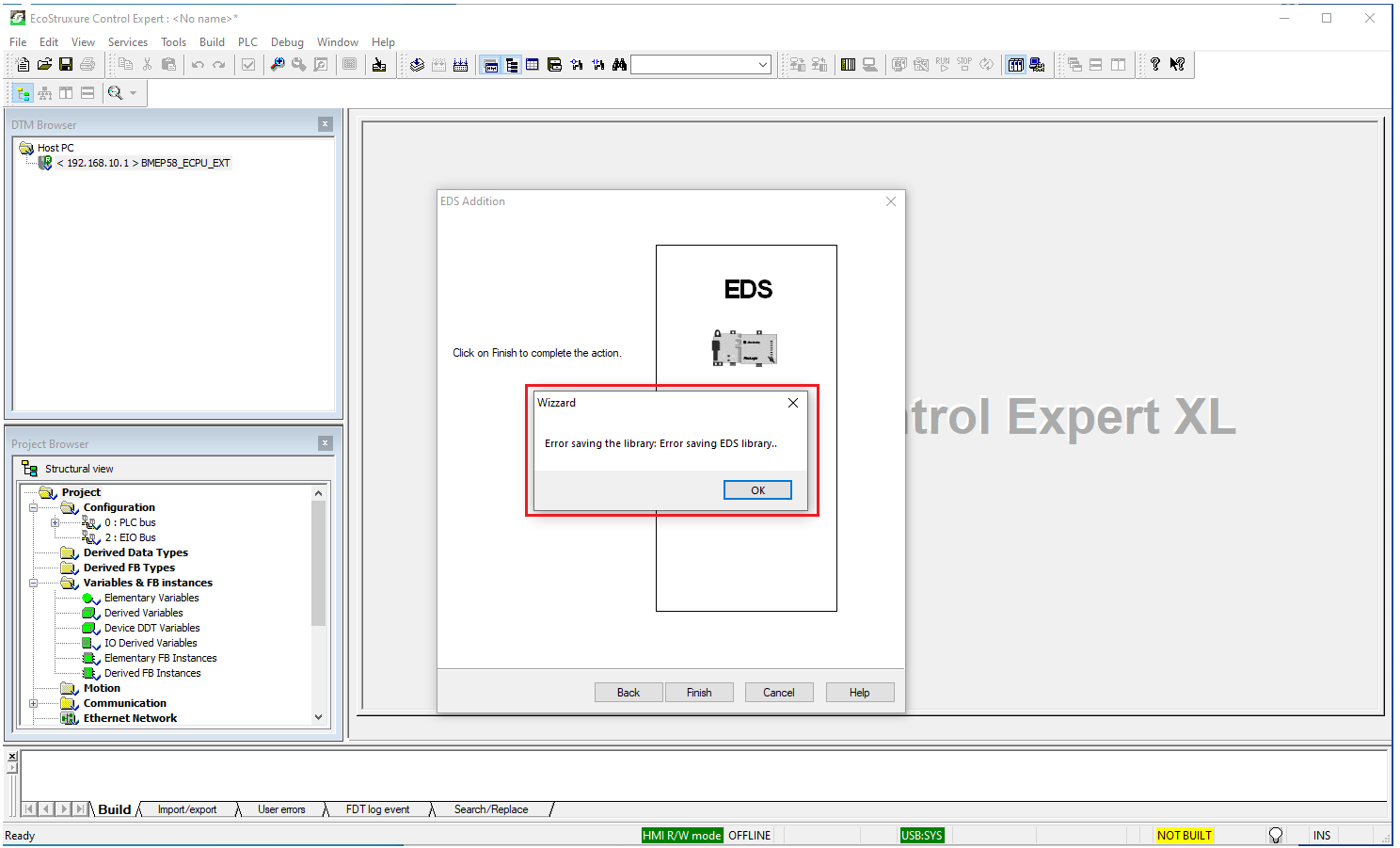
1. Control Expert need to run with administrator rights by right clicking on the Control Expert classic icon and select "run as administrator"
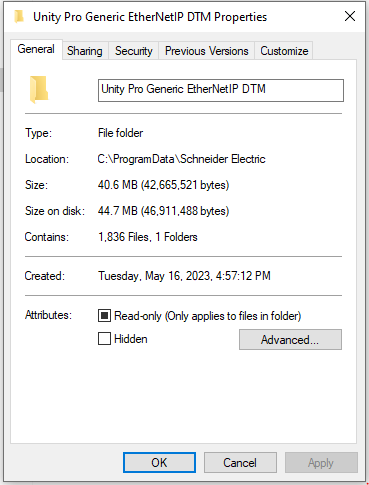
2. The following folder is set to read only C:\ProgramData\Schneider Electric\Unity Pro Generic EtherNetIP DTM\Device Library. Right click on the folder and select properties. Under the General tab, uncheck the read only attribute and select Apply
1. Control Expert need to run with administrator rights by right clicking on the Control Expert classic icon and select "run as administrator"
2. The following folder is set to read only C:\ProgramData\Schneider Electric\Unity Pro Generic EtherNetIP DTM\Device Library. Right click on the folder and select properties. Under the General tab, uncheck the read only attribute and select Apply