


You are currently viewing the content available in Vietnam. If you are looking for information for another region, please select the correct country from the top-left dropdown in the page and 'Navigate to Browse FAQs' in the Support menu.
what is the use of Click to edit the label in the Functional View of eDesign Small Building
1. Go to the Diagram tab and edit the label as shown below.
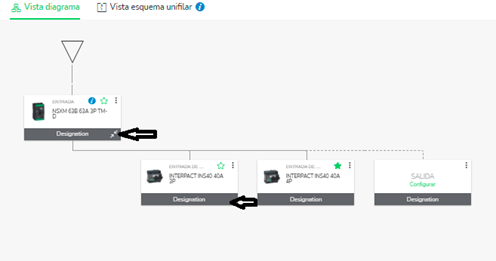
2. After you change the label, identification of the devices is taken into account in the Single Line Diagram.
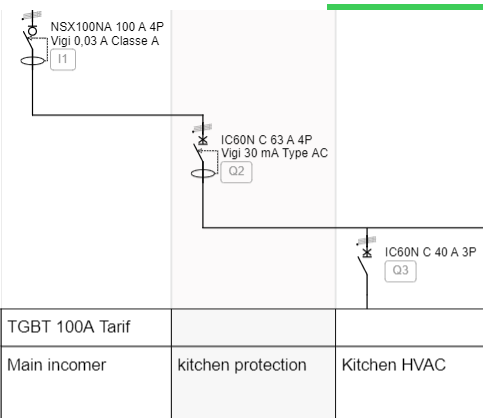
2. After you change the label, identification of the devices is taken into account in the Single Line Diagram.
Released for: Schneider Electric Vietnam
