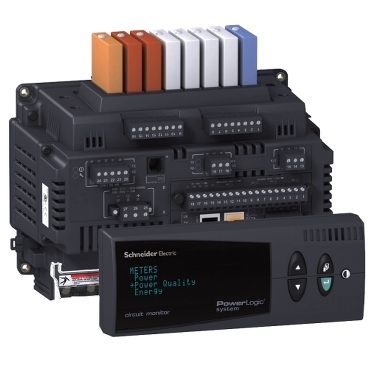
How to read Floating Point Registers in a Circuit Monitor 4000 (CM4), Circuit Monitor 3000 (CM3), and Power Meter 800 (PM8)
Issue
Read meter quantities from a CM3, CM4, or PM8 in floating point format.
Environment
CM3000, CM4000, PM800
Cause
The CM3, CM4, and PM8 series of meters have registers that are capable of storing data in the float format. This is appealing if trying to incorporate the meters into a Building Management System (BMS). By default, the float data storage option is deactivated.
Resolution
To activate floating point registers in a CM3 or CM4:
Note: CM3 and CM4 firmware must be at least v14.090. Prior versions do not have the necessary registers.
Write a value of 1 to register 3248 to activate the float registers.
Note: Power cycle device for changes to take place.
To activate floating point registers in a PM8:
Note: PM8 firmware must be at least v11.6. Prior versions do not have the necessary registers.
Write a value of 9020 to register 8000
Write a value of 1 to register 3248 to activate the float registers.
Write a value of 1 to register 8001
Write a value of 9021 to register 8000
The float registers for the CM3 and CM4 start at 57600.
The float registers for the PM8 start at 11700.
Quantities include currents, voltages, powers, and energies.
Note: Power cycle device for changes to take place.
Publikováno pro: Schneider Electric Česká republika