

Discover Vijeo Designer
Discover Vijeo Designer

About Vijeo DesignerThe cross-platform Vijeo Designer configuration software helps to create operator dialogue applications for controlling automation systems. This HMI component of SoMachine and EcoStruxure Machine Expert can be used for the following panels:• Harmony STU• Harmony GTO• Harmony GTU , GTUX• Harmony GK• Magelis XBTGH portable• Harmony Panel PCs and Box PCs (HMIBMP, HMIBMU)
General information on Vijeo Designer
Highlights
Highlights
Configuration
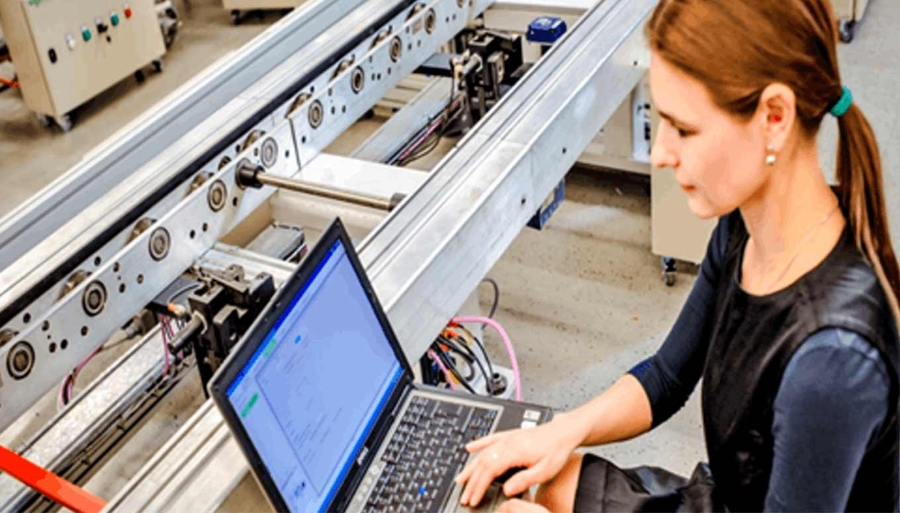
Classic HMI Configuration software enables operator dialogue projects to be processed quickly and easily thanks to its advanced ergonomics using up to 5 configurable windows. The basic functions of Vijeo Designer include:• Project creation with powerful graphics editor• Recipe management (32 groups of 256 recipes with up to 1024 ingredients)• Full Simulation mode for application testing• Data processing using Java language scripts
Advanced Function
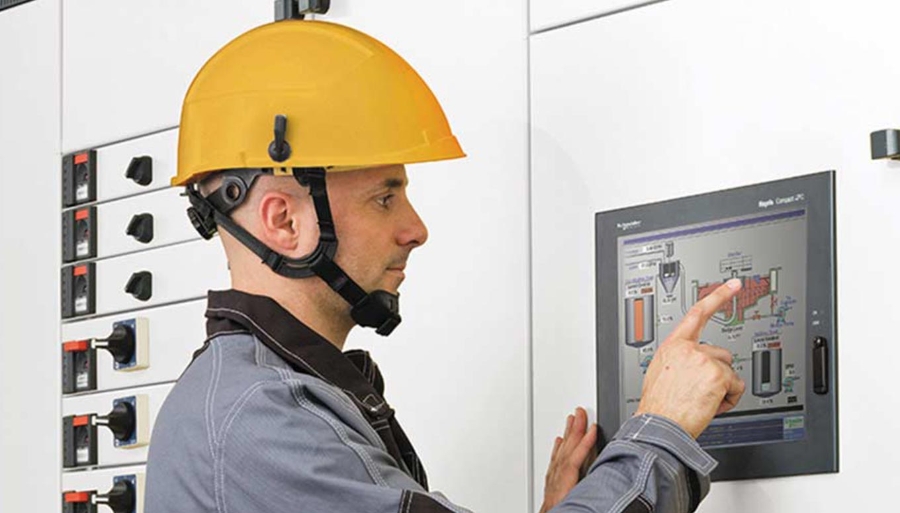
• Multimedia data management in the most popular formats• Zoom in/out on trending curves for a detailed analysis• Multimode application transfer: via serial link, USB, Ethernet and Compact Flash memory card• Integrated FTP server for downloading/uploading recipes via Ethernet TCP/IP and restoring logs to Harmony panels• Multiport communication for multifunction panels
Remote connection
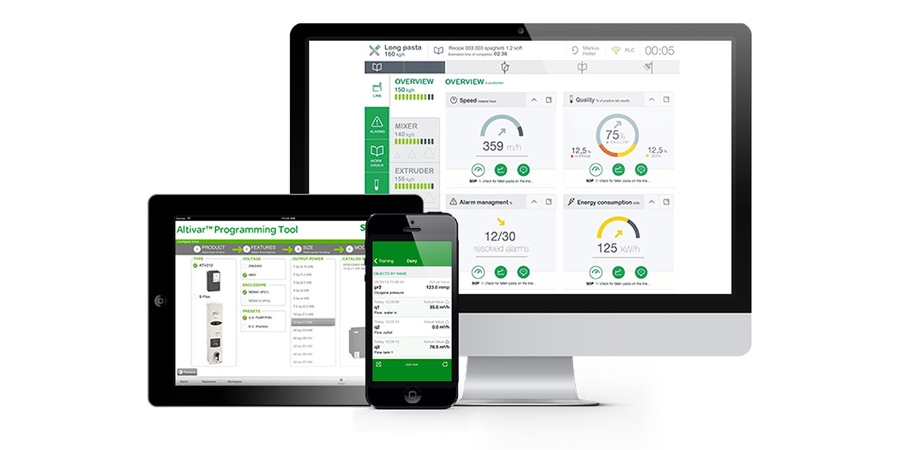
• Vijeo Designer supports a WEB Gate remote connection with any platform which has an Ethernet connection point.• WEB Gate supports remote visualization of Vijeo Designer applications with Internet Explorer on most of the PC running Windows OS.• Vijeo Designer supports an application for Android and iOS, tablets and smartphones, Vijeo DesignꞌAir and Vijeo Design'Air Plus.
Benefits of Vijeo Designer
A well-proven software for Harmony range
A software range to cover your Harmony and Magelis HMI application design needs: Vijeo Designer for Small Panels, Advanced Panels and iPC
Friendly approach
Thanks to the user-friendly software interface.
Easy for Automation Solution
Vijeo Designer is the HMI component of EcoStruxure Machine Expert for machine applications.


Vijeo Designer features
Vijeo Designer features
Facts about Vijeo Designer
How-to videos
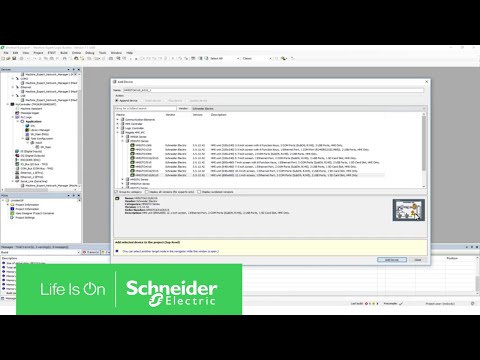
How to Communicate with Vijeo Designer Simulation
Vijeo Designer Project Backup Download by Ethernet
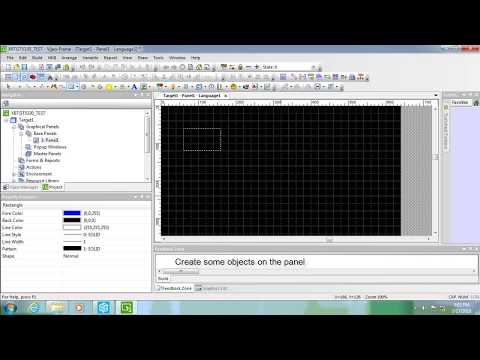
Products related to Vijeo Designer
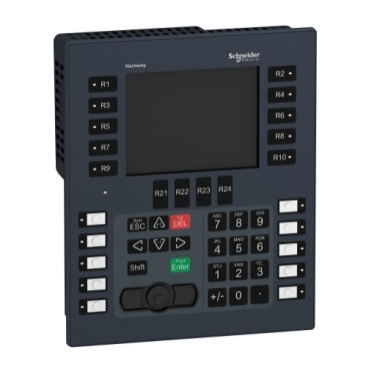
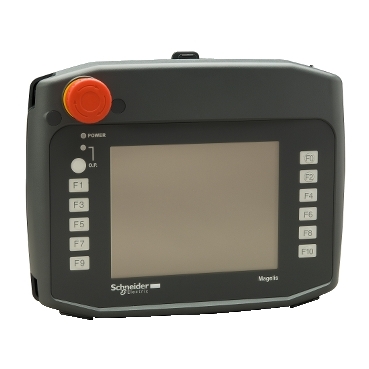
Choose the best fit for your needs
LicensesSingle (1) | No cable | VJDSNDTGSV62M |
Single (1) | With USB cable | VJDSUDTGAV62M |
Group (3) | No cable | VJDGNDTGSV62M |
Team (10) | No cable | VJDTNDTGSV62M |
Facility (unlimited) | No cable | VJDFNDTGSV62M |
Industrial Automation Software
Whether you design, build or operate and maintain systems or installations, our software is here to help you achieve maximum energy efficiency, performance, reliability and safety.
Discover moreProducts A - Z
Browse a list of all Schneider Electric products, including legacy products.
See all products
