How can we help you today?

C-Bus download tap not displaying in the download website

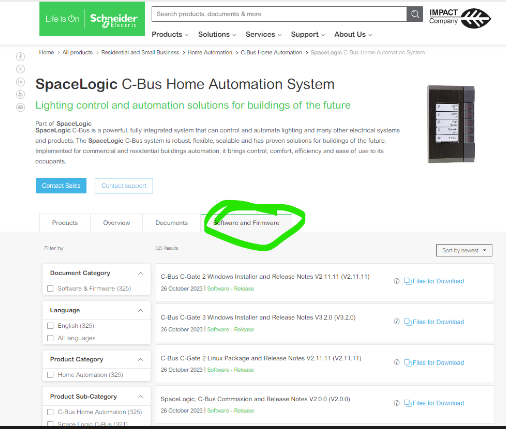
SE.com...software tab not showing
The software TAB disappearing is a Browser Cache problem for SE.COM.
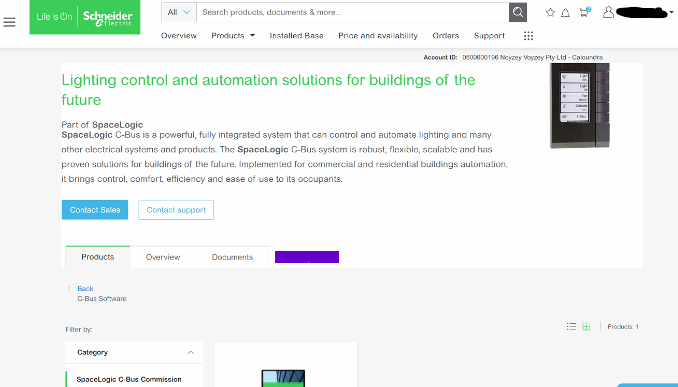

no link tap>link image

It is a fairly simple fix;

This is how to clear your browser cache only for SE.com,  instead of clearing all your cache info for other sites.

Right click> Inspect
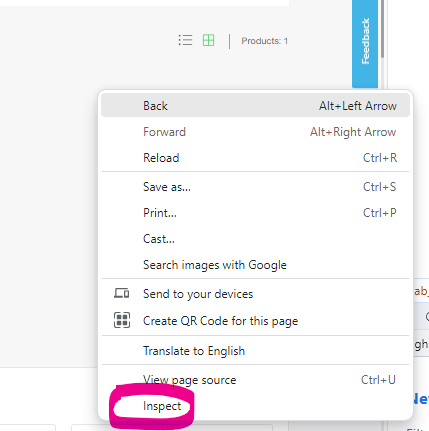
right click short cut

download link

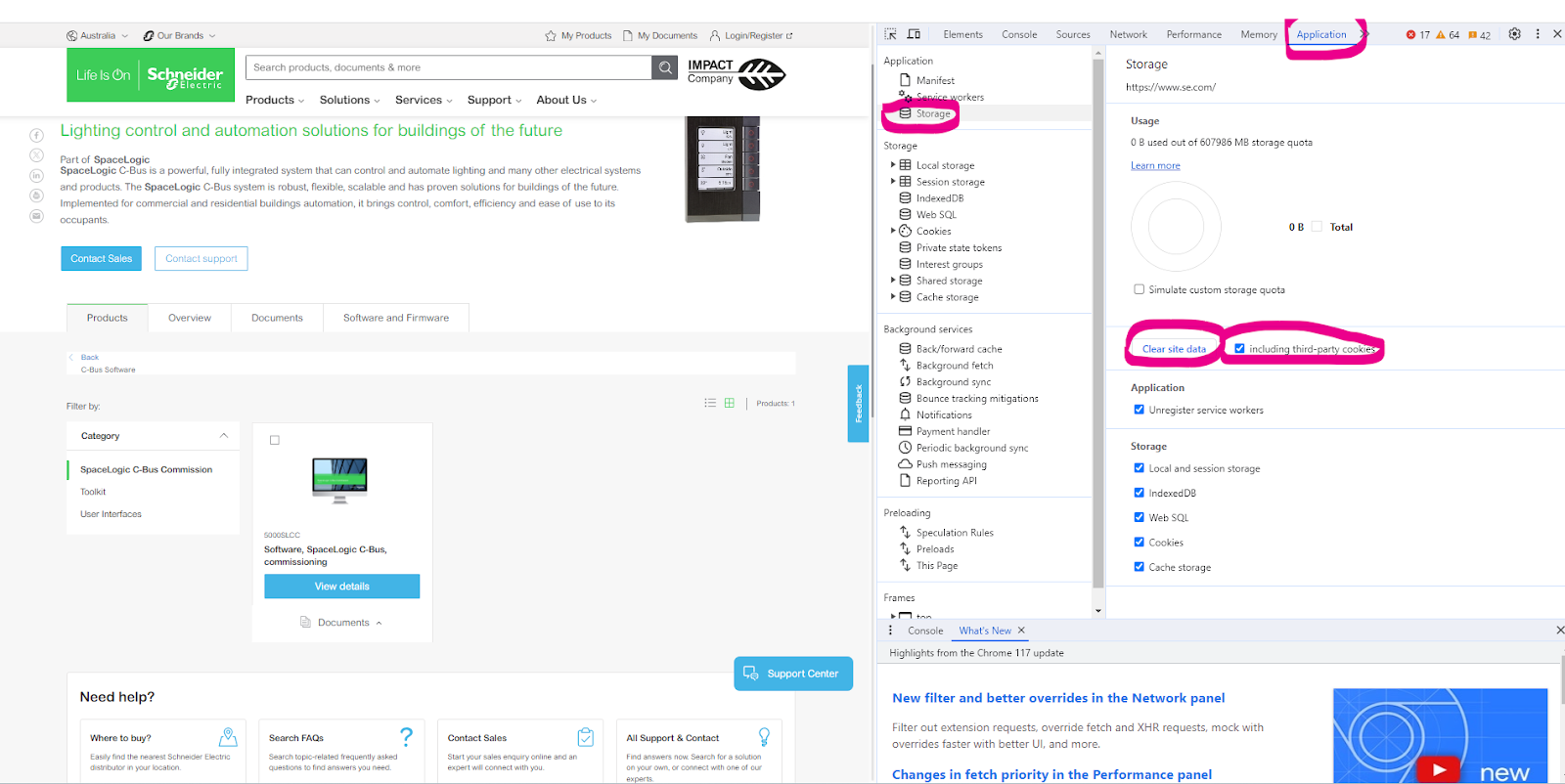
Select Application> Storage> tick including third-party cookies then hit > Clear site data

Another option is to run New Incognito window
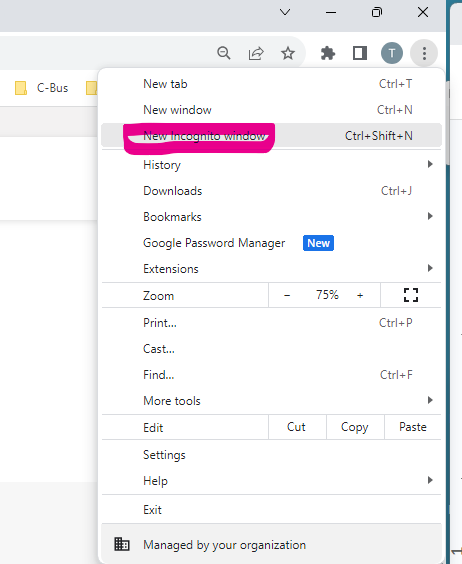
right click

C-Bus software can be sourced from clipsal.com page https://www.clipsal.com/c-bus-software-and-firmware

Schneider Electric New Zealand

Users group

Discuss this topic with experts

Visit our Community for first-hand insights from experts and peers on this topic and more.

Need help?

Need help?

Product Selector

Product Selector

Quickly and easily find the right products and accessories for your applications.

Get a Quote

Get a Quote

Start your sales inquiry online and an expert will connect with you.

Where to buy?

Where to buy?

Easily find the nearest Schneider Electric distributor in your location.

Help Centre

Help Centre

Find support resources for all your needs, in one place.

  • Products Documentation
  • Software and Firmware
  • Product Selector
  • Product Substitution and Replacement
  • Help and Contact Centre
  • Where to Buy?
  • Office Locations
  • Schneider Electric, PDL & APC Phone: 0800 741 303
  • Schneider Electric Community
  • Careers
  • Company Profile
  • Report a misconduct
  • Newsroom
  • Investors
  • EcoStruxure
  • Job Search
  • Blog
  • Privacy Policy
  • Cookie Notice
  • Conditions of Sale
  • Change your cookie settings