


How to use Schneider Electric's Product Substitution Tool (Obsolete Product to Alternative/New Product)
Schneider Electric have a product substitution tool that can be use to convert customer's current obsolete product to the current alternative.
Please see steps below:
1) Go to the link : https://www.se.com/ww/en/work/support/country-selector/substitution-tool.jsp
2) Select your Region and Country as per image below:
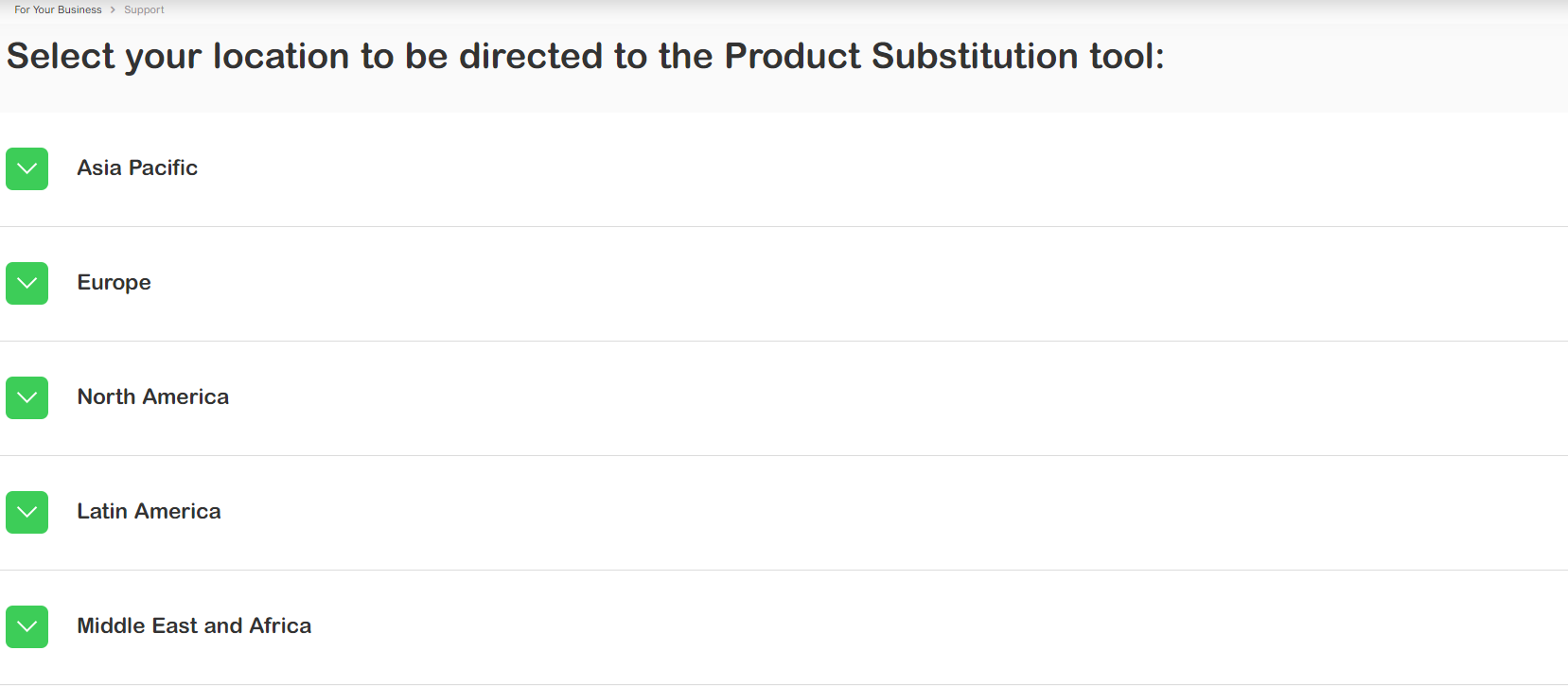
3) Type the part number of the product you want to check (Separate multiple commercial references by a comma or semicolon) and press enter:

Note: If the product is not found on the Product Substitution Tool, please contact your country's customer care center to seek Technical Support
Please see steps below:
1) Go to the link : https://www.se.com/ww/en/work/support/country-selector/substitution-tool.jsp
2) Select your Region and Country as per image below:
3) Type the part number of the product you want to check (Separate multiple commercial references by a comma or semicolon) and press enter:
Note: If the product is not found on the Product Substitution Tool, please contact your country's customer care center to seek Technical Support
Released for: Schneider Electric Singapore
