


Where to manage earth bar in eDesign Small Building application
Issue: Managing earth bar in Front View of eDesign Small Building application
Product Line: eDesign Small Building https://edesign-630.se.com/
Cause: Manage earth bar location in the switchboard
Resolution:
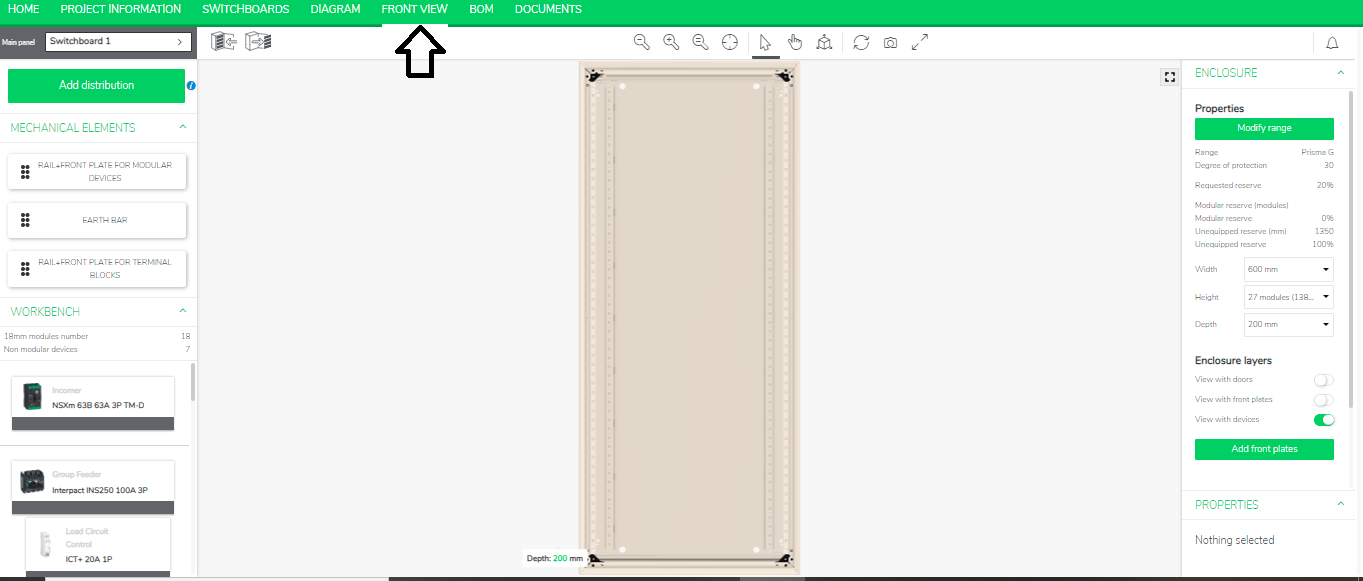
On left panel you will see “Earth Bar tag”.
Product Line: eDesign Small Building https://edesign-630.se.com/
Cause: Manage earth bar location in the switchboard
Resolution:
- Go to the Front View in eDesign Small Building https://edesign-630.se.com/
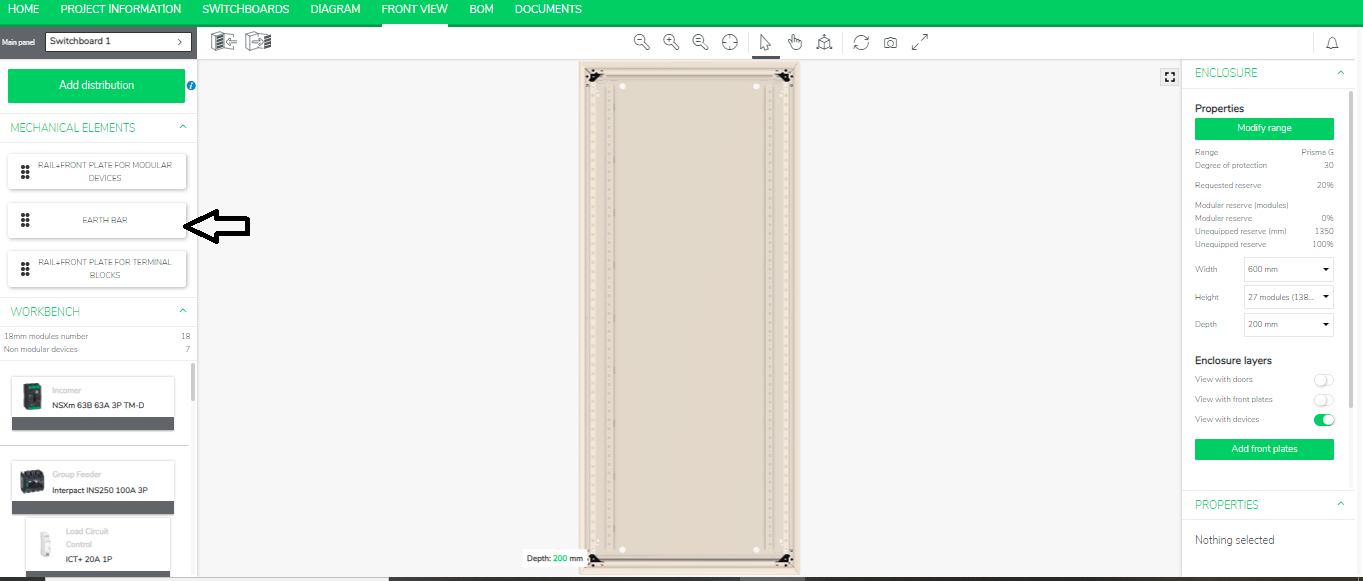
On left panel you will see “Earth Bar tag”.
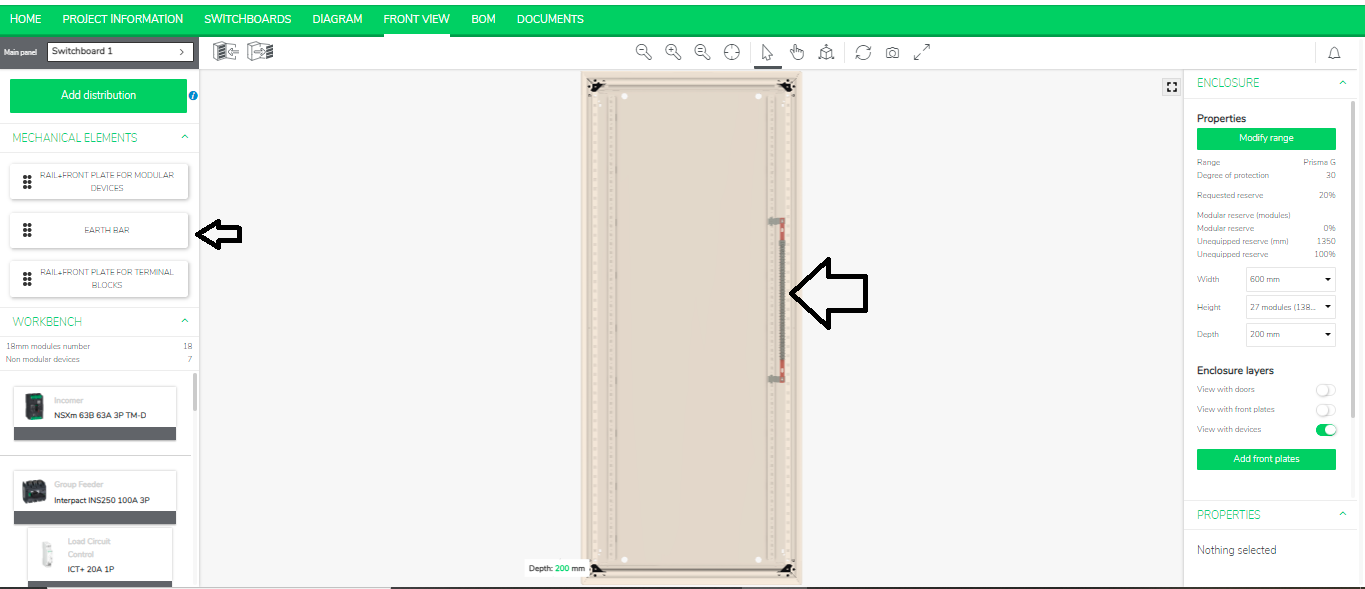
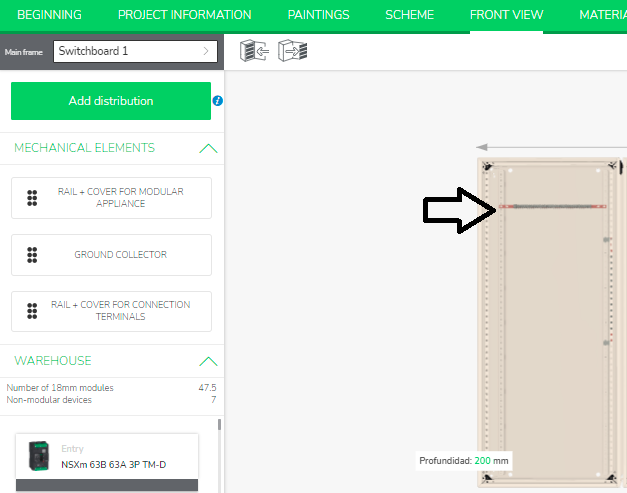
- Drag and drop this earth bar in all the possible places in the enclosure as shown below.
Released for: Schneider Electric USA
