

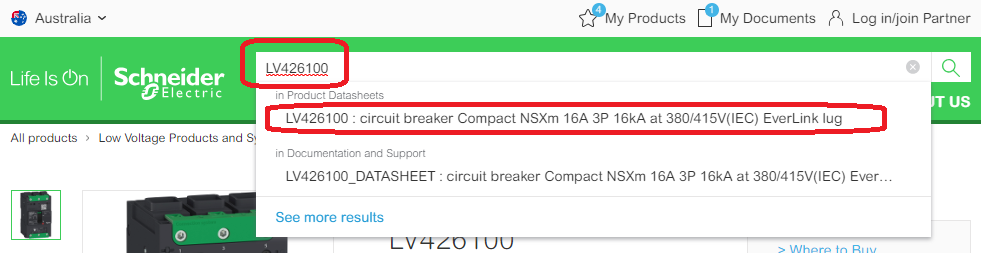
> If you know the product part number, type it into the website search bar at the top of the page and click through to the product datasheet page. You can now skip to step 6...
> If you don't know the product part number, you can navigate to the product page like this...
1) Visit the Schneider Electric Website: se.com/au
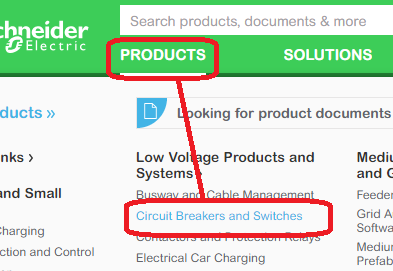
2) Click the 'Products' TAB in the main menu.
3) Click 'Circuit Breakers & Switches' (or any other category).
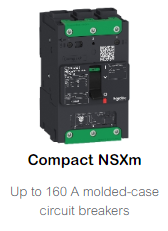
4) Click 'Compact NSXm' (or any other product range).
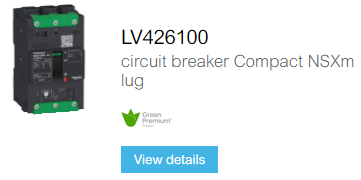
5) Click 'LV426100' (or any other product part number).
6) You should now see all technical information about the specific product part number.
(You should be on a page like this: www.se.com/au/en/product/LV42600/ )
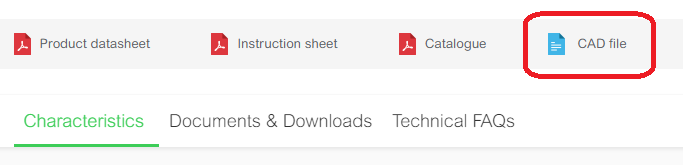
7) Click the 'CAD file' button.
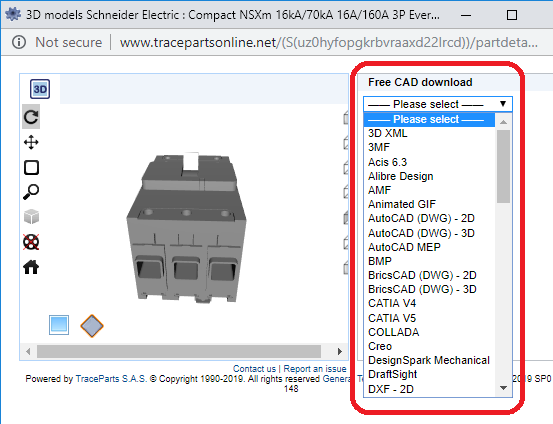
8) A pop-up window will appear. Select the preferred CAD file format from the right.
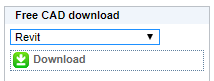
9) Click the 'Download' button
10) You will need to log into your Traceparts online account (or 'Sign up' for a free account).
11) Wait around 10 to 20 Seconds for Traceparts to create a ZIP file for you.
12) Click 'Download' to start the download process.
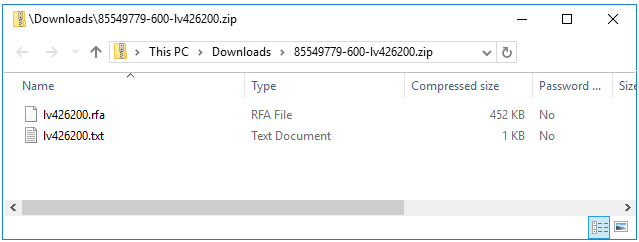
13) Open the ZIP file to extract the CAD files you need.
> If you don't know the product part number, you can navigate to the product page like this...
1) Visit the Schneider Electric Website: se.com/au
2) Click the 'Products' TAB in the main menu.
3) Click 'Circuit Breakers & Switches' (or any other category).
4) Click 'Compact NSXm' (or any other product range).
5) Click 'LV426100' (or any other product part number).
6) You should now see all technical information about the specific product part number.
(You should be on a page like this: www.se.com/au/en/product/LV42600/ )
7) Click the 'CAD file' button.
8) A pop-up window will appear. Select the preferred CAD file format from the right.
9) Click the 'Download' button
10) You will need to log into your Traceparts online account (or 'Sign up' for a free account).
11) Wait around 10 to 20 Seconds for Traceparts to create a ZIP file for you.
12) Click 'Download' to start the download process.
13) Open the ZIP file to extract the CAD files you need.
Đã phát hành cho: Schneider Electric Việt Nam

