


How to get and provide the Control-Expert’s application used by the PLC after an issue in PLC ?
1/ Open the application in Control-Expert and connect to the PLC by choosing "PLC->Connect" command or clicking on "Connect" icon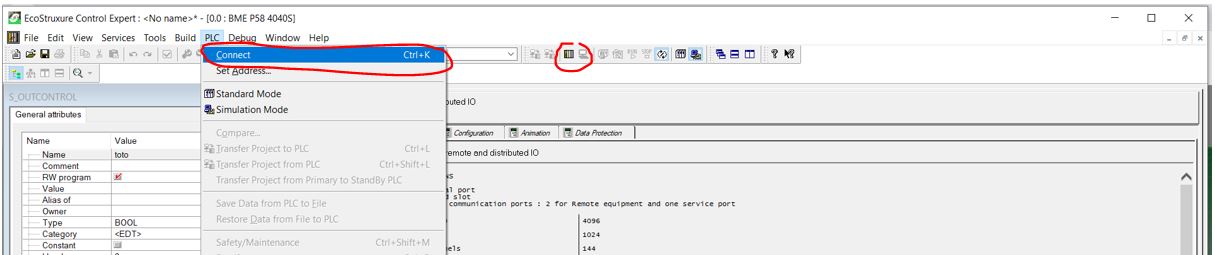
2/ Check if the opened PLC application into Control-Expert is identical to the one stored into the PLC by checking if "Equal" is set into the status bar :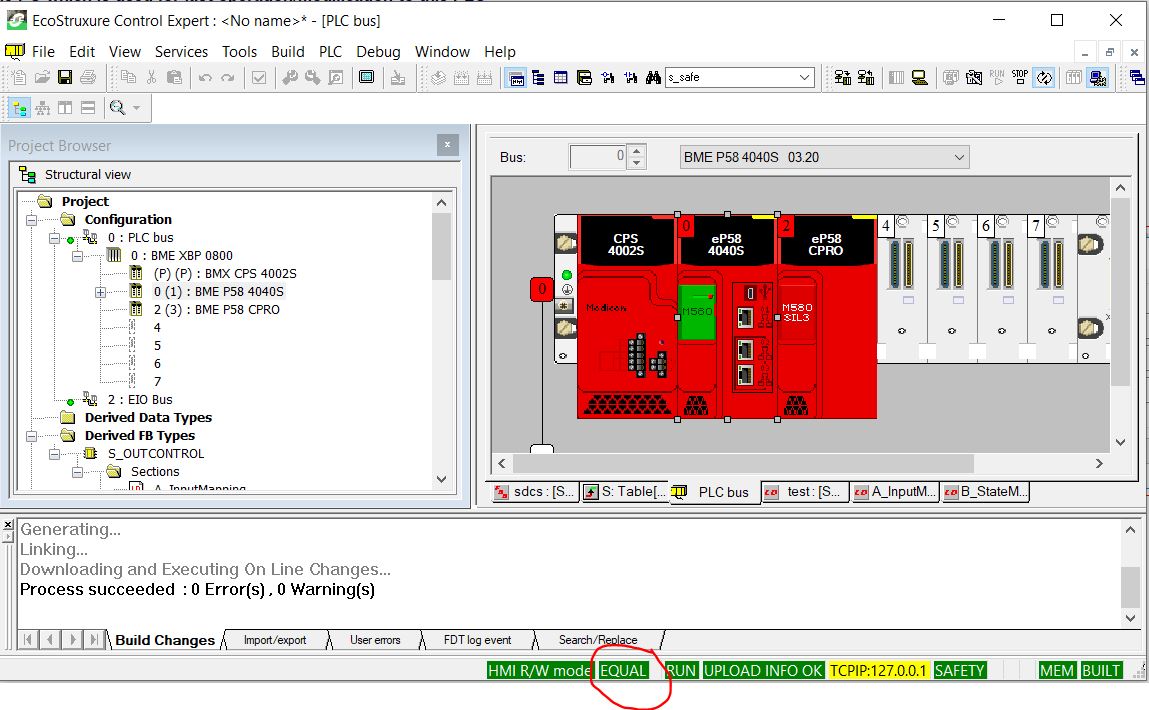 If Not "EQUAL", upload the application from the PLC to the PC in Control-Expert by choosing "PLC->Transfert Project from PLC" command or clicking on "Transfert Project from PLC" icon :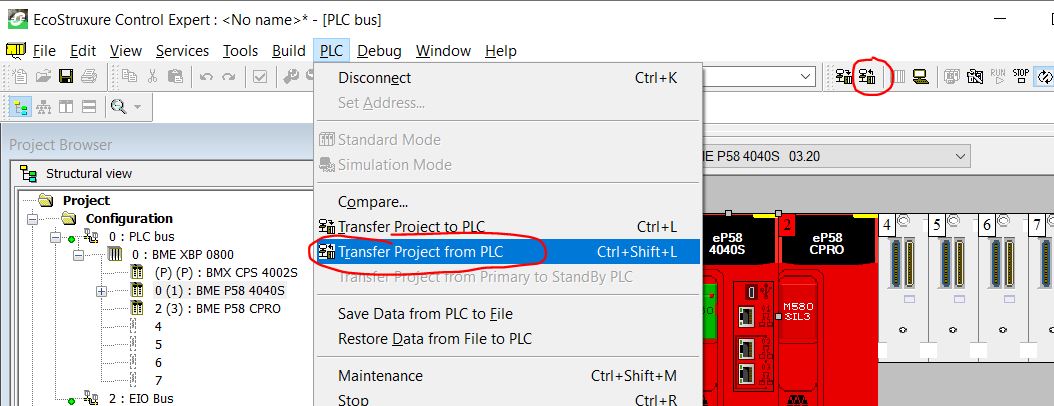
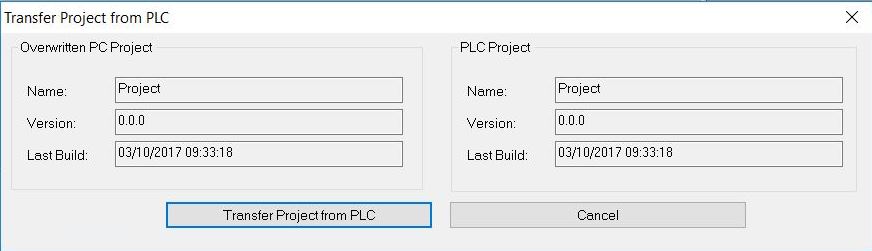
Then, check that "EQUAL" status is set into the status bar.
3/ Provide the *.sta file available in the customer folder (or archive the application file in *.sta format)
2/ Check if the opened PLC application into Control-Expert is identical to the one stored into the PLC by checking if "Equal" is set into the status bar :
Then, check that "EQUAL" status is set into the status bar.
3/ Provide the *.sta file available in the customer folder (or archive the application file in *.sta format)