


Editing the Control project for the first time from Topology Manager after installing Control Expert 15.1, fails.
Editing the Control project returns the error 'Not Successful, Standalone_Controller_1, System.Runtime.InteropServices.COMException (0x80080005): Server execution failed (Exception from HRESULT: 0x80080005 (CO_E_SERVER_EXEC_FAILURE))'.
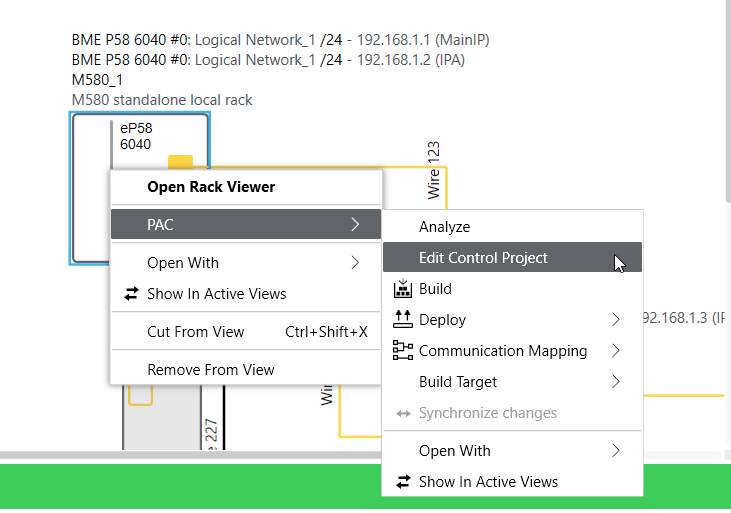
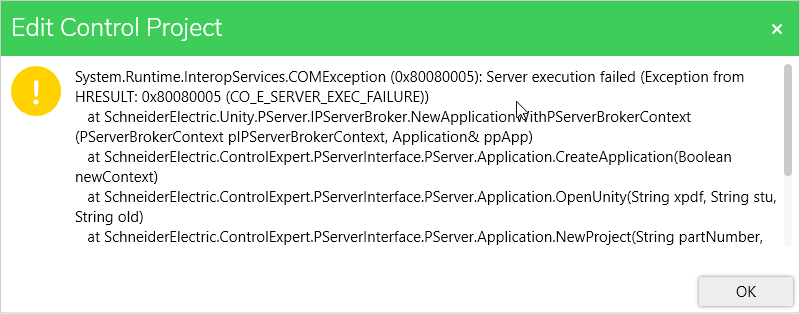
This will occur if Control Expert Classic has never been used after installing Control Expert 15.1. The reason for the error is due to the large amount of time needed to perform the update of the DTM catalog upon starting Control Expert Classic. After not getting a response for a large amount to time, Windows views Control Expert to be frozen and stops the process.
The following steps can be used to resolve the issue.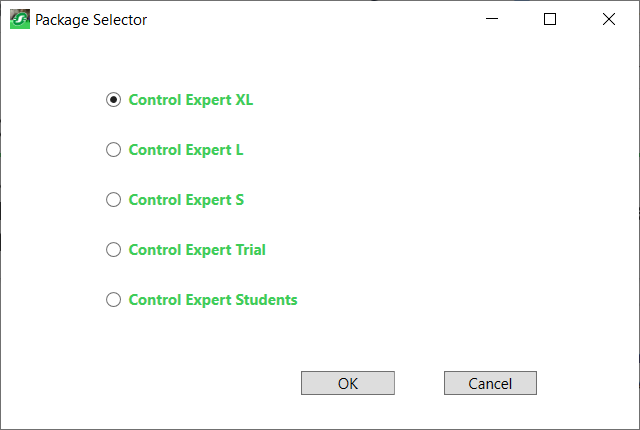
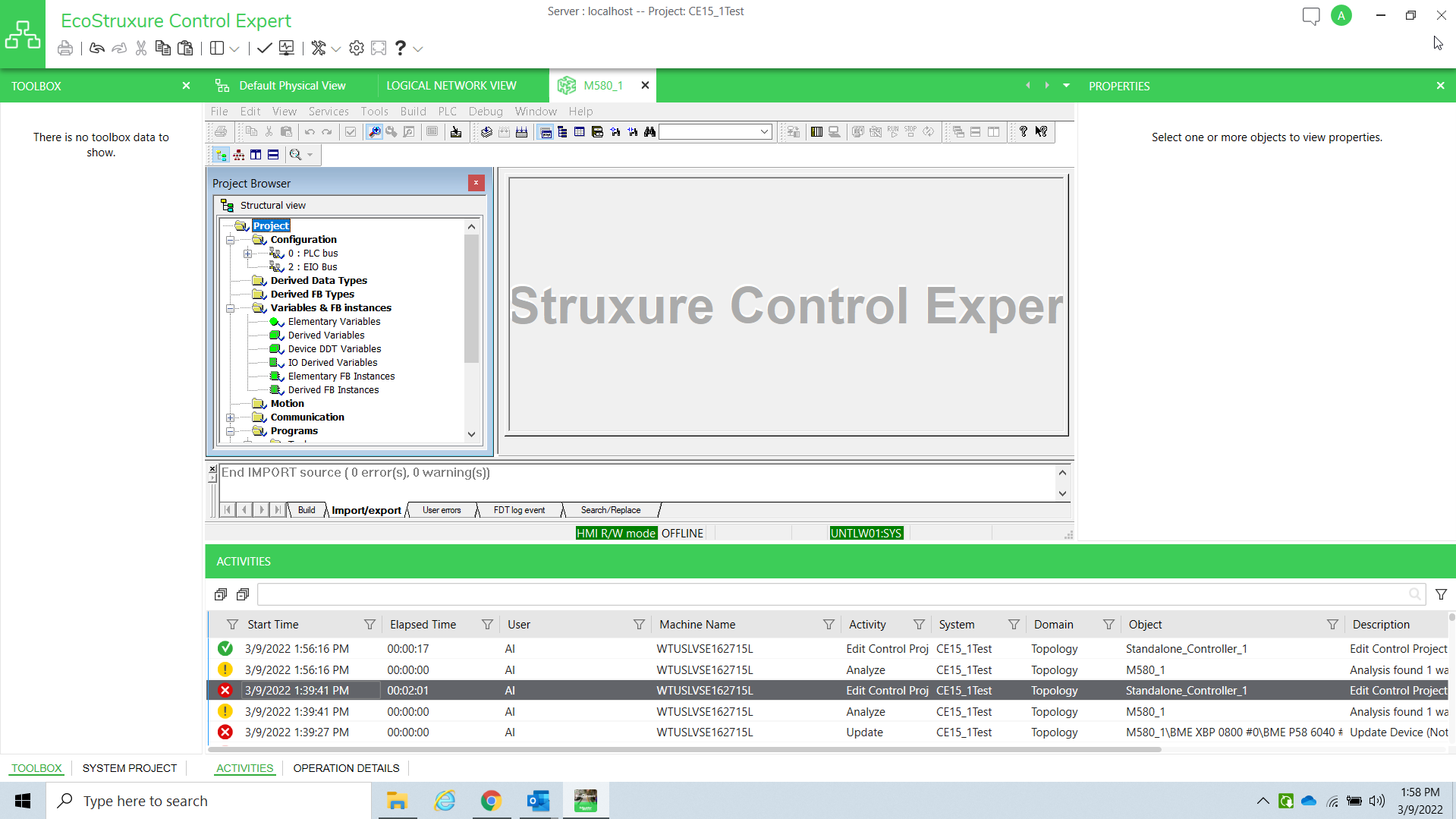
This will occur if Control Expert Classic has never been used after installing Control Expert 15.1. The reason for the error is due to the large amount of time needed to perform the update of the DTM catalog upon starting Control Expert Classic. After not getting a response for a large amount to time, Windows views Control Expert to be frozen and stops the process.
The following steps can be used to resolve the issue.
- Start Control Expert Classic.
- Select the Control Expert type from the 'Package Selector.
- Click on OK.
- Restart Control Expert Classic.
- Perform the update of the DTM Catalog.
- Close Control Expert.
- Retest.