


How to add a private family profile for BMXEIA0100 on EcoStruxure Control Expert?
Issue
In Ecostruxure Control Expert v14.1, adding a profile in private family does not work for BMXEIA0100.
Product Line
Ecostruxure Control Expert, M580, M340, BMXEIA0100
Environment
Control Expert v14.1, Windows 10 version 1902 (OS Build 18362.30), BMEP586040 v3.10, BMXEIA0100
Resolution
The Ecostruxure Control Expert v14.1 is missing an additional folder for the AS-i private database and a hotfix will be provided soon on Schneider Electric website. Meanwhile, you can create this folder manually following the steps below: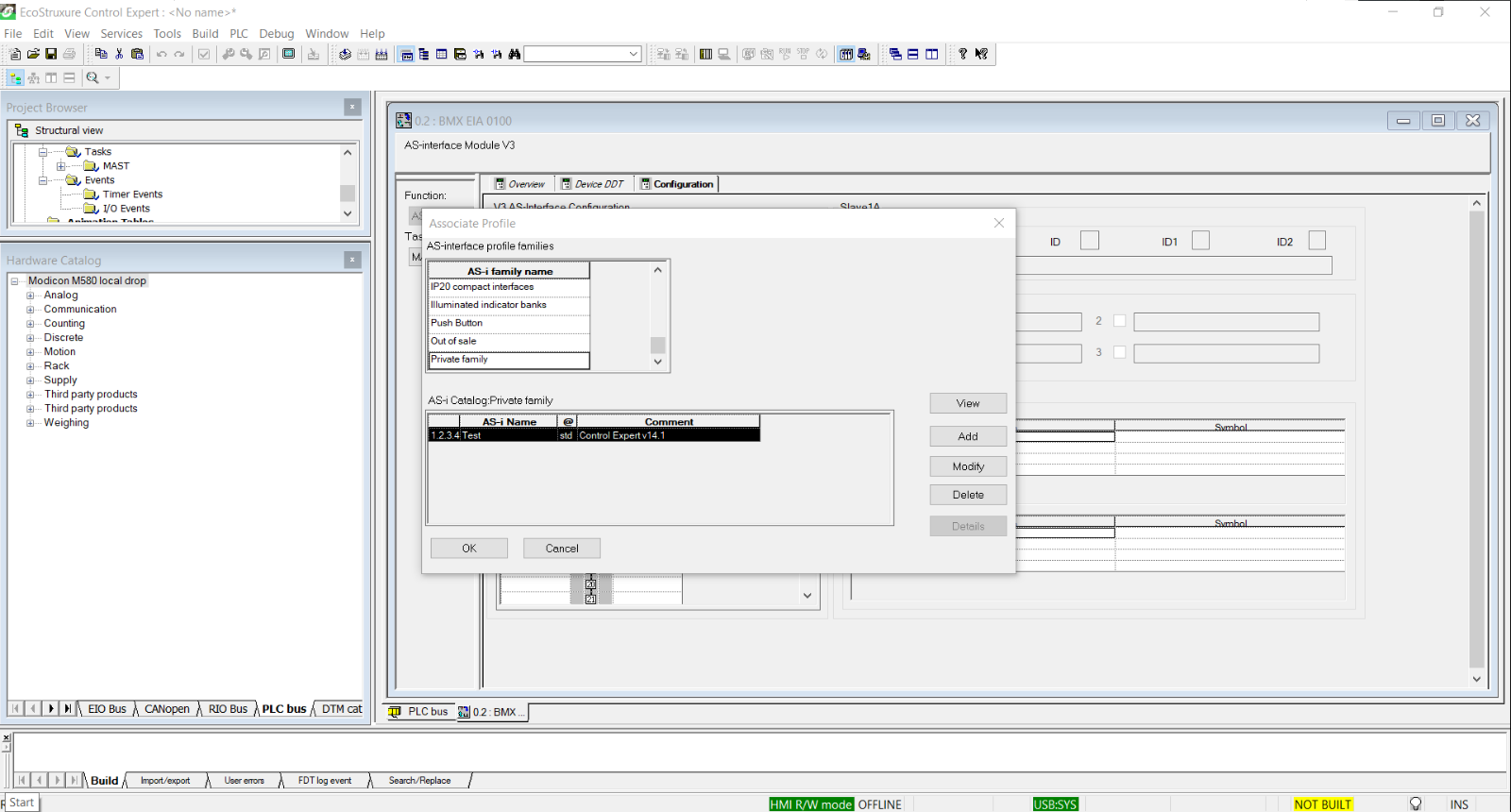
In Ecostruxure Control Expert v14.1, adding a profile in private family does not work for BMXEIA0100.
Product Line
Ecostruxure Control Expert, M580, M340, BMXEIA0100
Environment
Control Expert v14.1, Windows 10 version 1902 (OS Build 18362.30), BMEP586040 v3.10, BMXEIA0100
Resolution
The Ecostruxure Control Expert v14.1 is missing an additional folder for the AS-i private database and a hotfix will be provided soon on Schneider Electric website. Meanwhile, you can create this folder manually following the steps below:
- Go to C:\ProgramData\Schneider Electric\Control Expert 14.1\ConfCatalog\Database\Asi\Private
- Create a folder with the name V3
- Now, you are able to create private family for the BMXEIA0100 as shown below.